Kingdom Come: Deliverance II Multiplayer

KCD2Server Hosting

Kingdom Come: Deliverance II multiplayer, built around your community. Host a KCD:MP server for free roam, duels or your own medieval roleplay, with a browser game panel and US or European locations.

  • KCD:MP Multiplayer & Custom Gamemodes
  • File Manager, Console & Secure SFTP
  • 10–512 Player Slot Plans
Starting at $4.99/mo 3-day money-back guarantee

Choose your player slots, build your community, and manage your server from one place. Setup begins after payment is confirmed.

4.4 Trusted by Communities

Squire

10Player slots

For a private group or a new community

Dallas, United States Helsinki, Finland

Baron

64Player slots

For an established community with room to grow

Dallas, United States Helsinki, Finland

Count

128Player slots

For an established roleplay community

Dallas, United States Helsinki, Finland

Duke

256Player slots

For a large community with custom gamemodes

Dallas, United States Helsinki, Finland

King

512Player slots

For your largest community and server workload

Dallas, United States Helsinki, Finland

Included with every plan

  • DDoS Protection
  • NVMe Storage
  • Ryzen Hardware
  • Server Console
  • File Manager
  • SFTP Access
  • Secure Backups
  • Scheduled Tasks
  • Subuser Access
  • US and EU Locations
Your community in medieval Bohemia

Kingdom Come Deliverance 2 server hosting

Bring your community into medieval Bohemia with its own KCD:MP dedicated server.

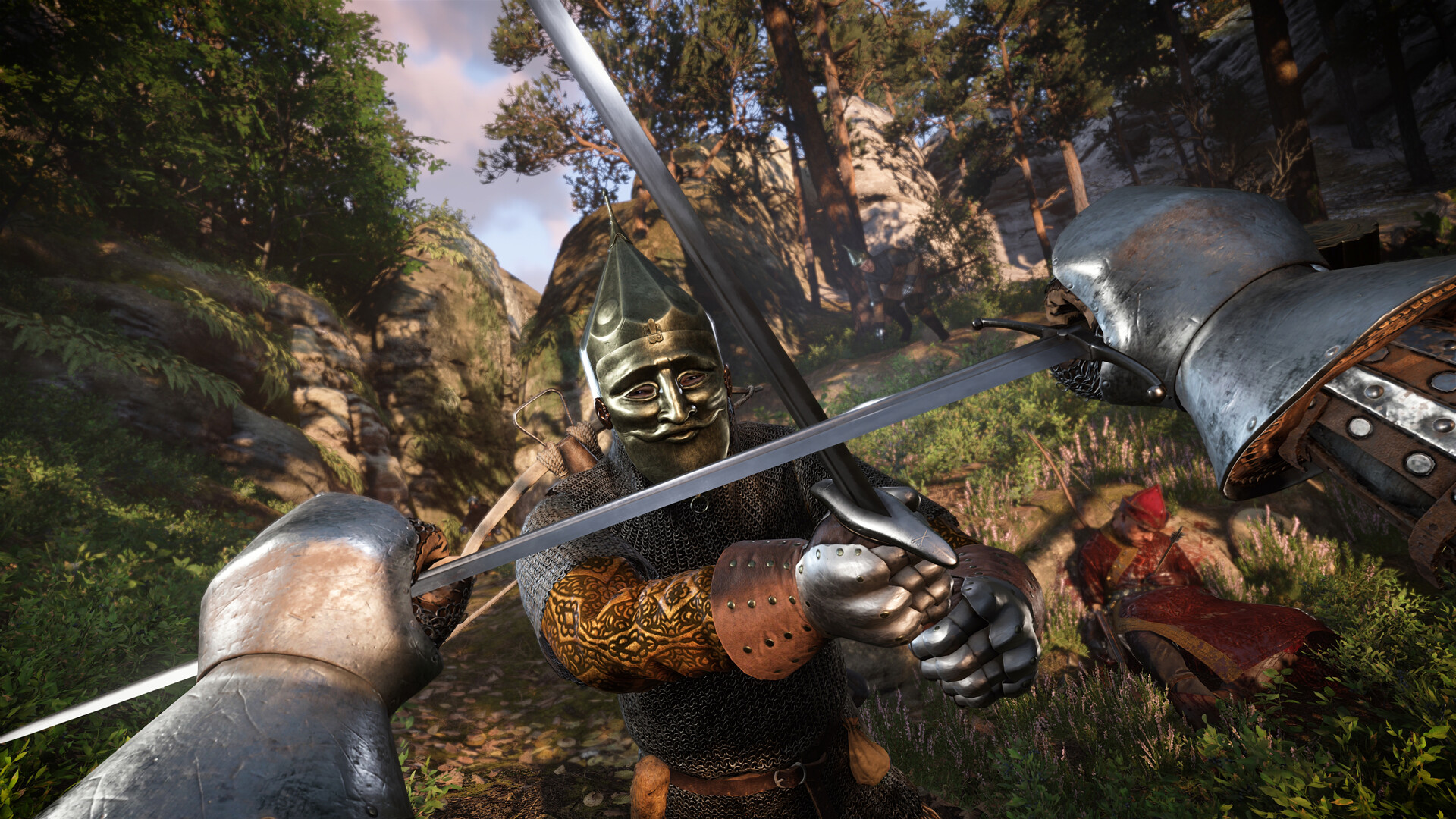
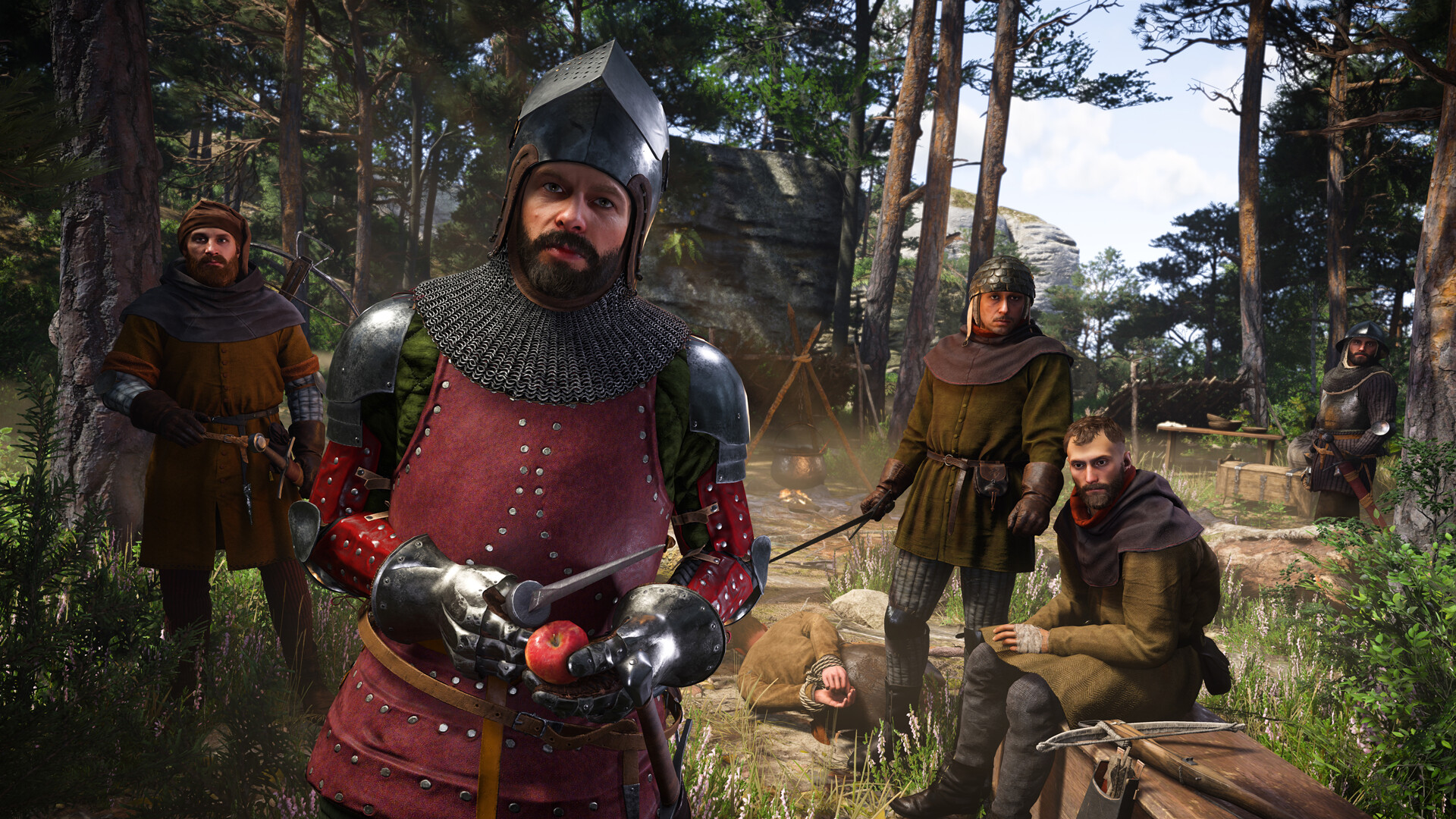
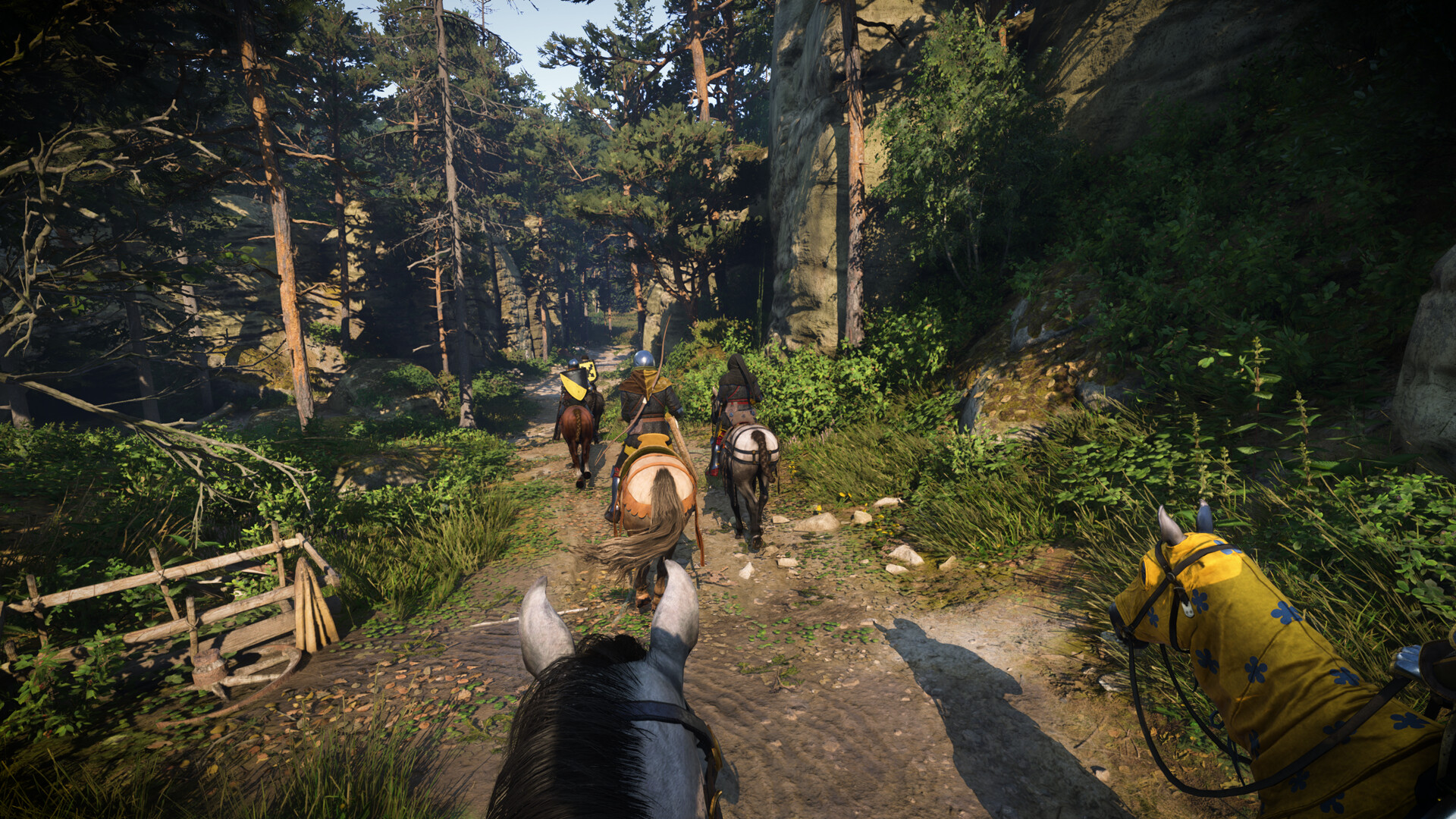
Kingdom Come: Deliverance II is a single-player RPG. The community-made KCD:MP multiplayer mod adds a server platform where players can meet, ride, fight and create their own gamemodes. KCD server hosting gives your group a shared server that stays online when your own PC is off.

Choose free roam for a group of friends, a duel arena for PvP, or a roleplay gamemode for a community with its own characters and rules. Manage configuration, files and access through the Konnect Hosting game panel. Your multiplayer gameplay comes from the selected gamemode; hosting does not turn the single-player campaign into a cooperative story.
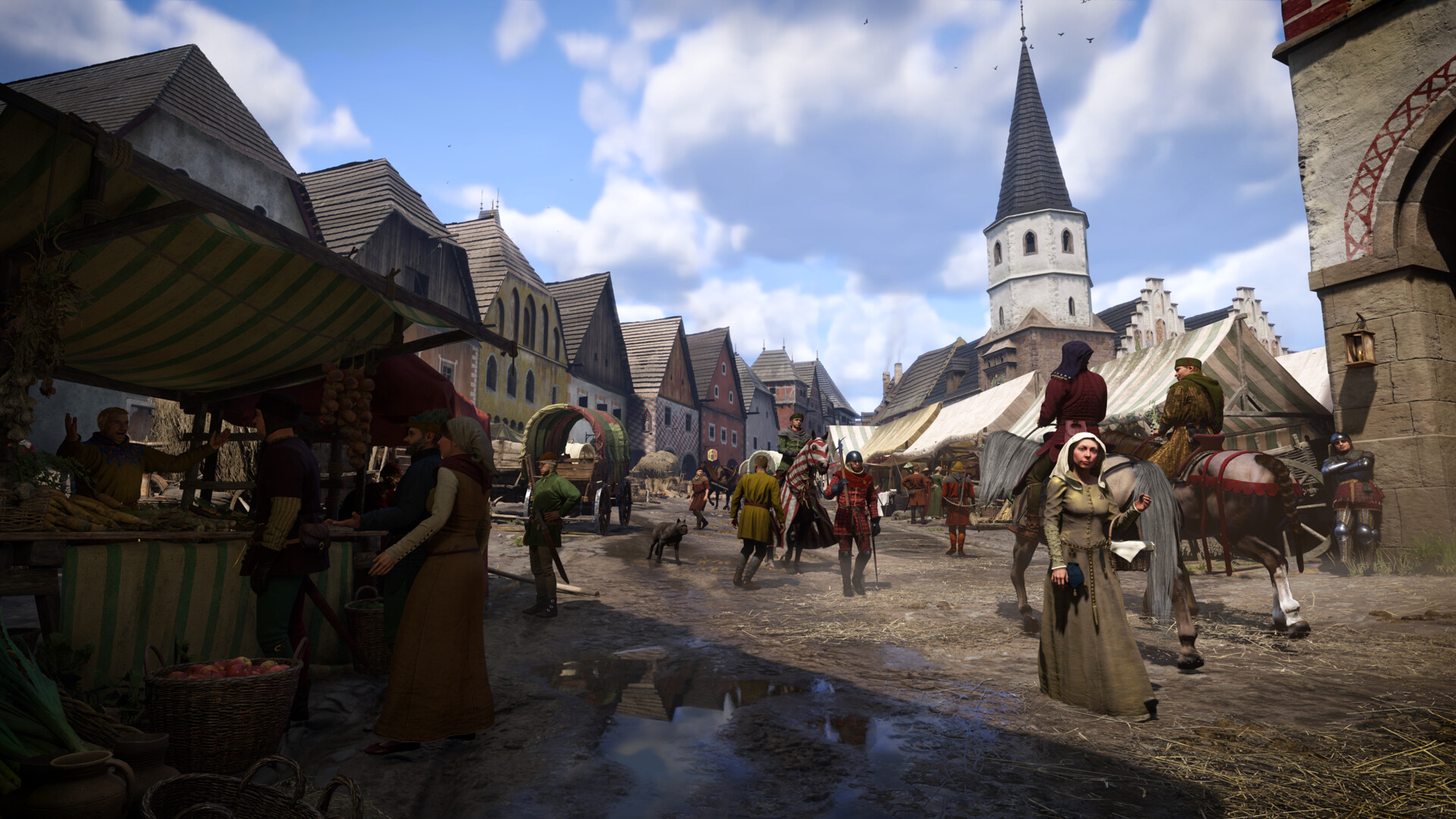
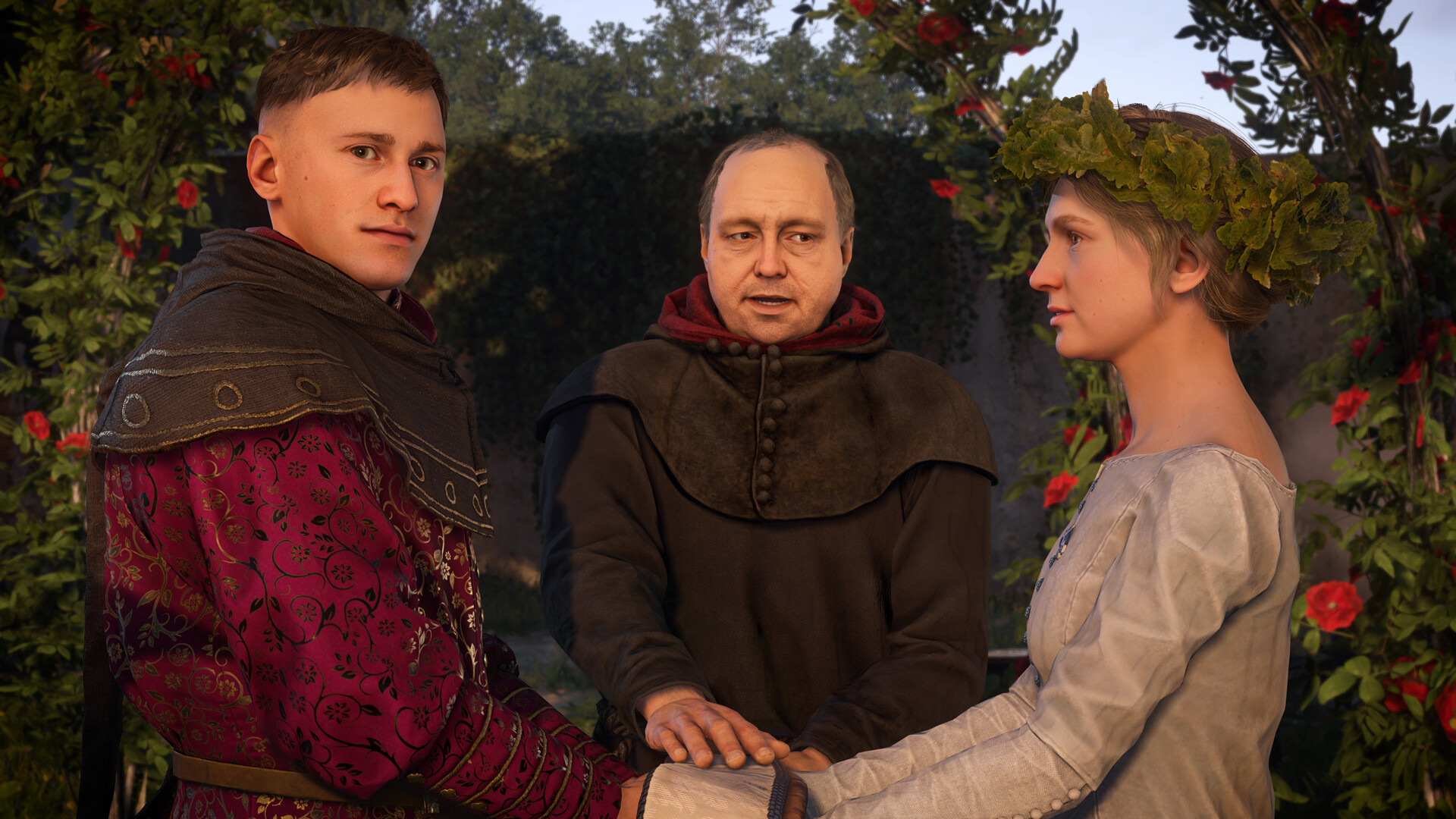
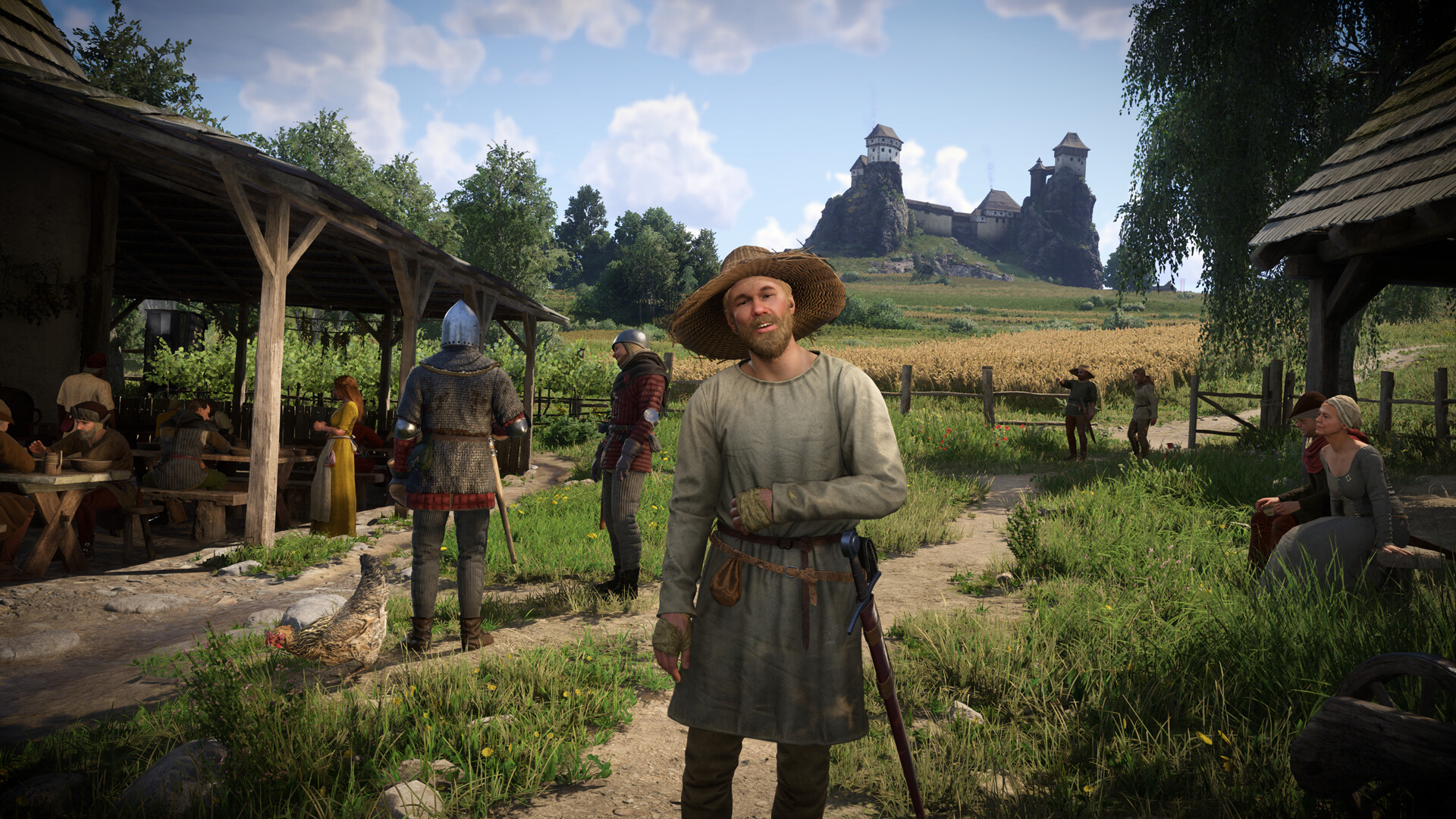
A medieval town in Kingdom Come Deliverance II, the setting for KCD2 multiplayer communities
A world for your community
  • KCD:MP multiplayer
  • Custom gamemodes
  • Roleplay communities

Powerful tools without the learning curve

Easy, Seamless KCD2 Hosting

Manage your KCD:MP server console, configuration and gamemode files from the Konnect Hosting panel. Give your moderators access to the tools they need.

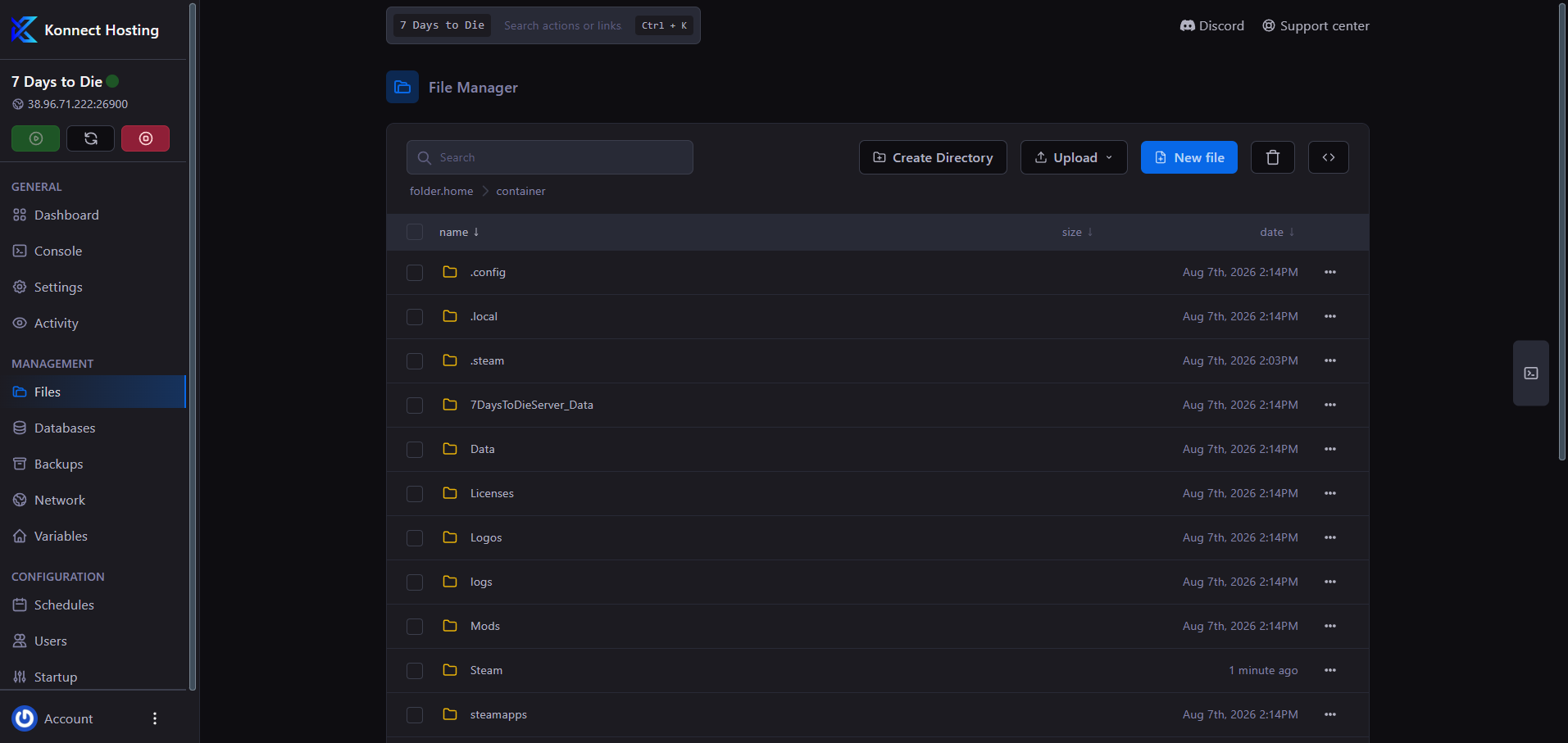
Manage server files from your browser

Browser File Manager

Upload Lua gamemodes, C# plugins and exported world data through the browser file manager. Use secure SFTP for larger transfers to your KCD2 server.

  • Browser file tools

    Upload, rename, and edit server files in the web panel.

  • Built for custom servers

    Manage supported mods and configuration files with browser tools or SFTP.

Konnect Hosting browser file manager for uploading and editing server files

Configure your server in seconds

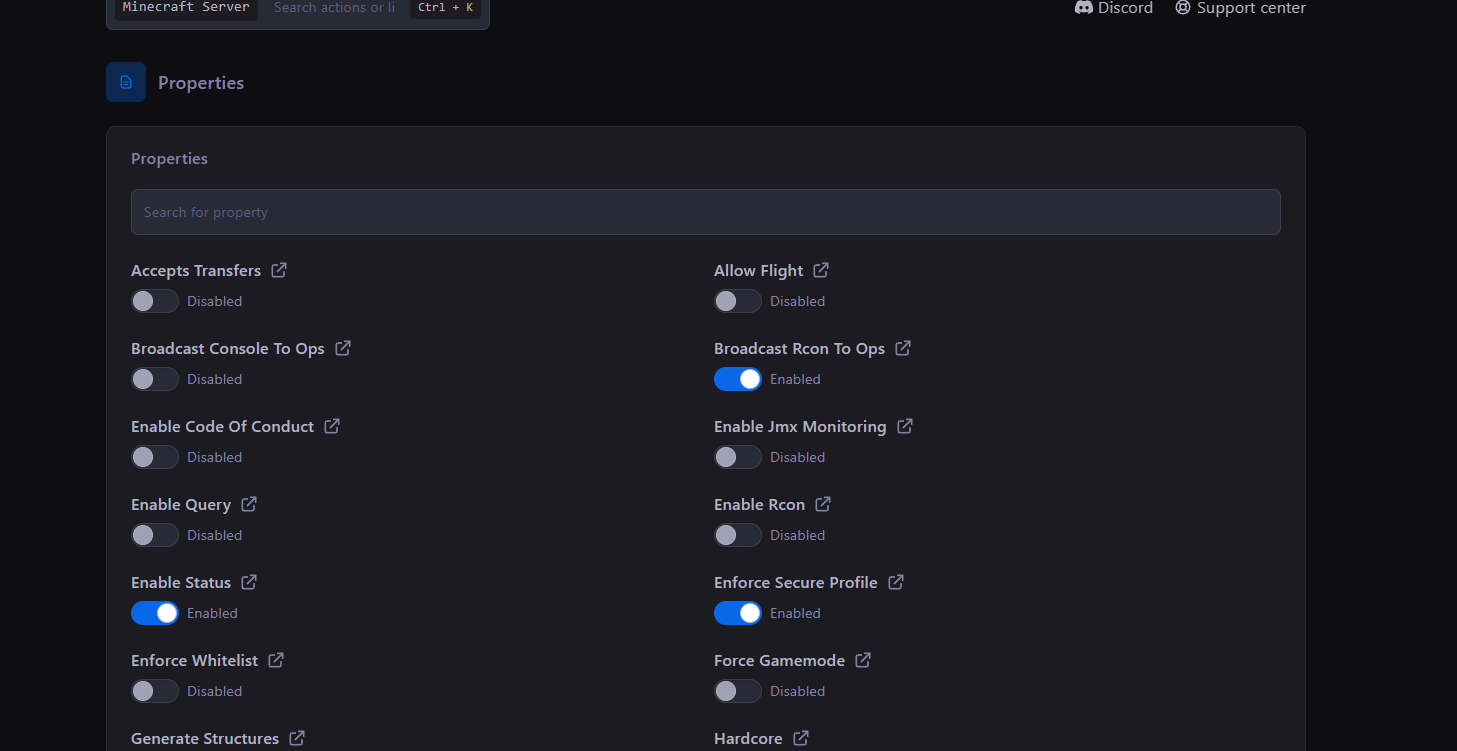
Config Manager

Edit KCD:MP configuration in server.toml, including the server name, password, selected map and gamemode. Restart after configuration changes and check the console for errors.

  • Organized controls

    Keep gameplay, world, access, and performance settings easy to find.

  • Console access

    Monitor activity and issue server commands from one place.

Konnect Hosting Arix settings and properties panel

File editing made simple

Advanced File Manager

Organize gamemodes, configuration and data files without leaving your browser. Keep a recoverable copy before changing scripts or updating the multiplayer mod.

  • Quick access

    Reach common configuration, save, and content folders without digging.

  • Upload and edit

    Make everyday file changes while retaining secure SFTP access.

Konnect Hosting Arix browser file manager

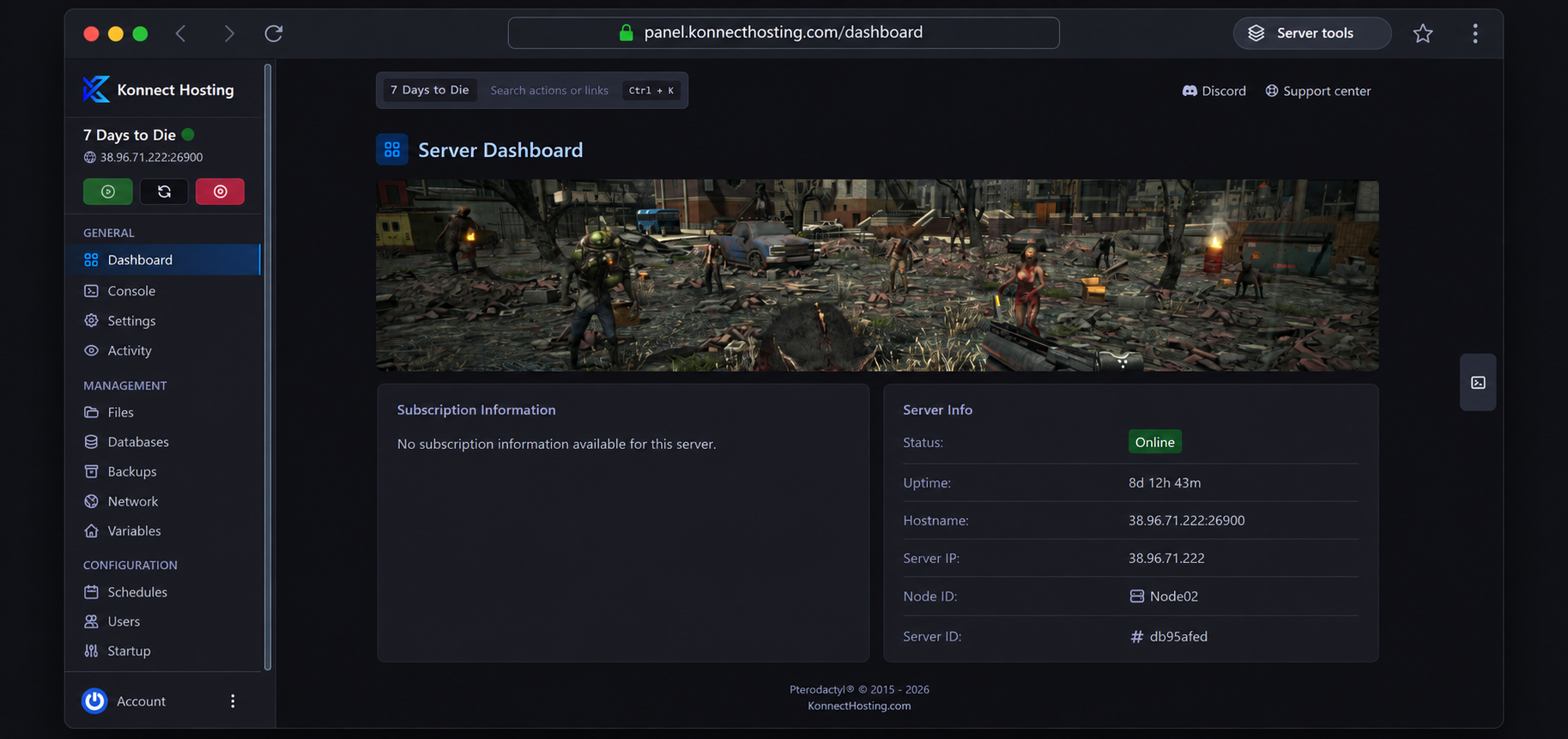
Your KCD2 server, all in one place

Meet the Konnect Hosting Panel

Watch the console, review resource usage, manage access, and handle routine server work without leaving your browser.

Server Content Support

Manage supported game content and configuration files using the browser file manager or SFTP.

Config Manager

Manage common server settings with a guided workflow.

Player Slot Plans

Choose from six player slot plans, from 10 to 512 slots. Actual server performance depends on your gamemode, scripts and resource use.

Audit Logs

Review important account and server actions with a clear history.

File Manager

Browse and edit server files directly from your web browser.

Backups

Create recoverable copies of important server content and configuration files.

SFTP Access

Use secure file transfers when you want full desktop-level access.

Subusers

Give teammates only the permissions they need to help manage the server.

Config Editor

Edit server.toml and other supported configuration files with the browser file editor.

Live Metrics

Monitor resource usage and server health from the same dashboard.

Scheduler

Schedule restarts and recurring maintenance. Keep backups of your server files and any database used by your gamemode.

Web Console

Monitor the server and run commands from any modern browser.

PLAN YOUR SERVER

Choosing your KCD2 server

Plan your Kingdom Come Deliverance 2 server hosting around your community, gamemode and location. Start with the right player slots and leave room for your roleplay world to grow.

Choose slots for your community

Compare Squire with 10, Knight with 32, Baron with 64, Count with 128, Duke with 256, King with 512 player slots. Choose around the people you expect online together, then compare RAM and hardware under View specs. Custom scripts, NPC activity and database work also affect performance, so review resource use as your community grows.

Prepare your KCD roleplay gamemode

Decide whether your community needs free roam, duels, Basic RP or its own Lua or C# gamemode. Agree on rules, staff permissions and character systems before launch. Basic RP requires a database; custom gamemodes may have additional dependencies. Test scripts and save handling before inviting players.

Keep versions and data in sync

Players need a supported PC copy of Kingdom Come: Deliverance II and the KCD:MP launcher. Keep the server, clients and game build compatible. Follow the mod documentation to export world data from your own game, and back up configuration, gamemodes and persistent data before updating.

Choose a location for your community

Compare the facilities and DDoS protection for our US and European locations. A nearby region helps reduce the distance between your players and the server.

How to start your KCD2 multiplayer server

Choose a plan, prepare your gamemode and get everyone onto the same compatible version.

  1. Choose slots and a location

    Compare all six plans, from Squire through King, then select Dallas or Helsinki near most of your players. Your order enters setup after payment is confirmed; follow progress in your client portal.

  2. Configure your server

    Set the server name, map, password and gamemode in server.toml. Prepare any required database and upload exported world data from your game using the official mod guide. Check startup output before opening the server.

  3. Install the launcher and join

    Each player needs a supported PC copy of Kingdom Come: Deliverance II and the KCD:MP launcher. Use matching versions, then join through the server list or Direct connect. A password and private listing suit closed groups.

Play your way

Your KCD multiplayer server. Your gamemode.

Choose the experience your players want, from exploring together to building a dedicated roleplay community.

Free roam with friends

Explore the shared world, meet your group and set the tone for your own server. KCD:MP includes a free-roam gamemode as a starting point, with gameplay controlled by the mode you choose.

KCD roleplay server hosting

Start with the bundled Basic RP gamemode or bring your own roleplay scripts. Plan character persistence, a database, community rules and staff access around the experience you want to create.

Duels and custom experiences

Use the bundled duel arena or develop a gamemode in Lua or C#. KCD:MP provides a scripting API for custom rules, player events and server systems; your chosen scripts define the gameplay.

Your world. Your rules.

Build a Kingdom Come Deliverance II roleplay community

KCD2 roleplay hosting gives you the server. Your rules, scripts and players give the world its character.

Create a community that lasts

Choose a medieval roleplay theme, publish clear community rules and assign trusted staff. A persistent RP server also needs a plan for character data, database access, script updates and recoverable backups. Use the panel to manage files and permissions, and test your gamemode with a small group before opening the server to everyone.

The KCD Roleplay community shows what creators can build on KCD:MP. Its custom gamemode and systems belong to that community and are not included with a hosting plan. Our hosting is for your own KCD:MP server, using bundled modes or scripts you have permission to use.

KCD2 server hosting FAQs

Answers about Kingdom Come Deliverance 2 multiplayer, KCD roleplay hosting and managing your server.

How much does KCD2 server hosting cost?

Monthly plans are Squire at $4.99 for 10 player slots and 4 GB RAM; Knight at $7.99 for 32 player slots and 8 GB RAM; Baron at $12.99 for 64 player slots and 12 GB RAM; Count at $15.99 for 128 player slots and 16 GB RAM; Duke at $25.99 for 256 player slots and 26 GB RAM; King at $31.99 for 512 player slots and 32 GB RAM. Compare the live plan cards for current prices and expand View specs for resources. Available locations and payment details are shown at checkout.

Is KCD server hosting the same as KCD2 server hosting?

On this page, KCD server hosting refers to Kingdom Come: Deliverance II multiplayer through KCD:MP. These plans are for KCD2 and its community multiplayer mod, rather than the original Kingdom Come: Deliverance game.

Can I run a KCD roleplay server?

Yes. Use a compatible roleplay gamemode on your KCD:MP server. The bundled Basic RP mode requires a database, or you can supply your own Lua or C# scripts. Characters, economies, factions and other RP systems depend on the gamemode you install; they are not supplied by hosting alone.

Does this include the KCDRoleplay.com gamemode?

No. KCDRoleplay.com is an independent community with its own custom gamemode. A Konnect Hosting plan supplies hosting for your own KCD:MP server, with bundled gamemodes or scripts you are authorized to use. It does not include that community’s proprietary systems or imply a partnership.

What do players need to join a Kingdom Come Deliverance 2 server?

Players need a supported PC copy of Kingdom Come: Deliverance II and the free KCD:MP launcher. The mod currently supports Steam and Microsoft Store PC versions on Windows. Game and mod compatibility can change, so check the current requirements before purchasing or updating. Clients and the server must use compatible versions.

Can we play the single-player campaign together?

These servers run the KCD:MP multiplayer platform and a selected gamemode. They do not provide a cooperative version of the original single-player campaign. Your shared activities, persistence and quest systems depend on the gamemode and scripts you choose.

Can I keep my KCD2 server private?

Yes. KCD:MP supports a server password and private listing configuration. Set a password for your group, or disable public announcement and share the server address for Direct connect. Review your settings before inviting players.

How do I choose player slots and RAM?

Choose 10, 32, 64, 128, 256 or 512 slots around your expected concurrent players, then expand View specs to compare RAM and hardware. Slots are the configured player limit, not a guarantee of performance with every gamemode. Custom scripts, NPCs, database queries and exported world data affect resource use. Ask support before launch if your planned setup needs more resources.

How long before my server is online?
Your order enters the setup queue after payment is confirmed. Setup time depends on the game, selected configuration, and current availability. Follow its progress in your client portal; support can help with questions about your order.
How fast is support service?
Use live chat or your client portal to contact our support team. Include the game, server details, and any error messages so we can help with your setup or troubleshooting. Response times vary with the request and current workload.
What payment methods do you accept?

We accept major credit cards through Stripe and PayPal where available. The payment options available for your region are shown at checkout.

What hardware will host my server?

Compare the processor, memory and storage shown in the plan cards above. Your plan’s memory is the allocation for your server, rather than the whole host machine. Hardware and resource availability depend on your selected plan and location.

Can I install mods and custom content?

You can upload gamemodes and content supported by KCD:MP through the file manager or SFTP. Compatibility depends on the mod and your chosen scripts; single-player mods are not automatically multiplayer compatible. Contact support about a specific setup.

Can I get a refund?

New service purchases are covered by our 3-day money-back guarantee. Contact us through the client portal within 72 hours of your original purchase to request a refund. Renewals and other excluded purchases are not covered by this guarantee. See our refund policy for the full terms and exclusions.

Start your KCD2 server hosting journey

Choose your player slots and a US or European location, then make your own corner of Bohemia.

Choose your KCD2 server