 Dallas, United States
 Helsinki, Finland
Minecraft server hosting FAQs
Find answers about your game server, or explore our setup guides.
How much does Minecraft server hosting cost?
See the plan cards above for current monthly pricing and included memory, processor and storage. Choose resources around your game settings, mods and community size rather than player count alone.
Can I host a modded Minecraft server?
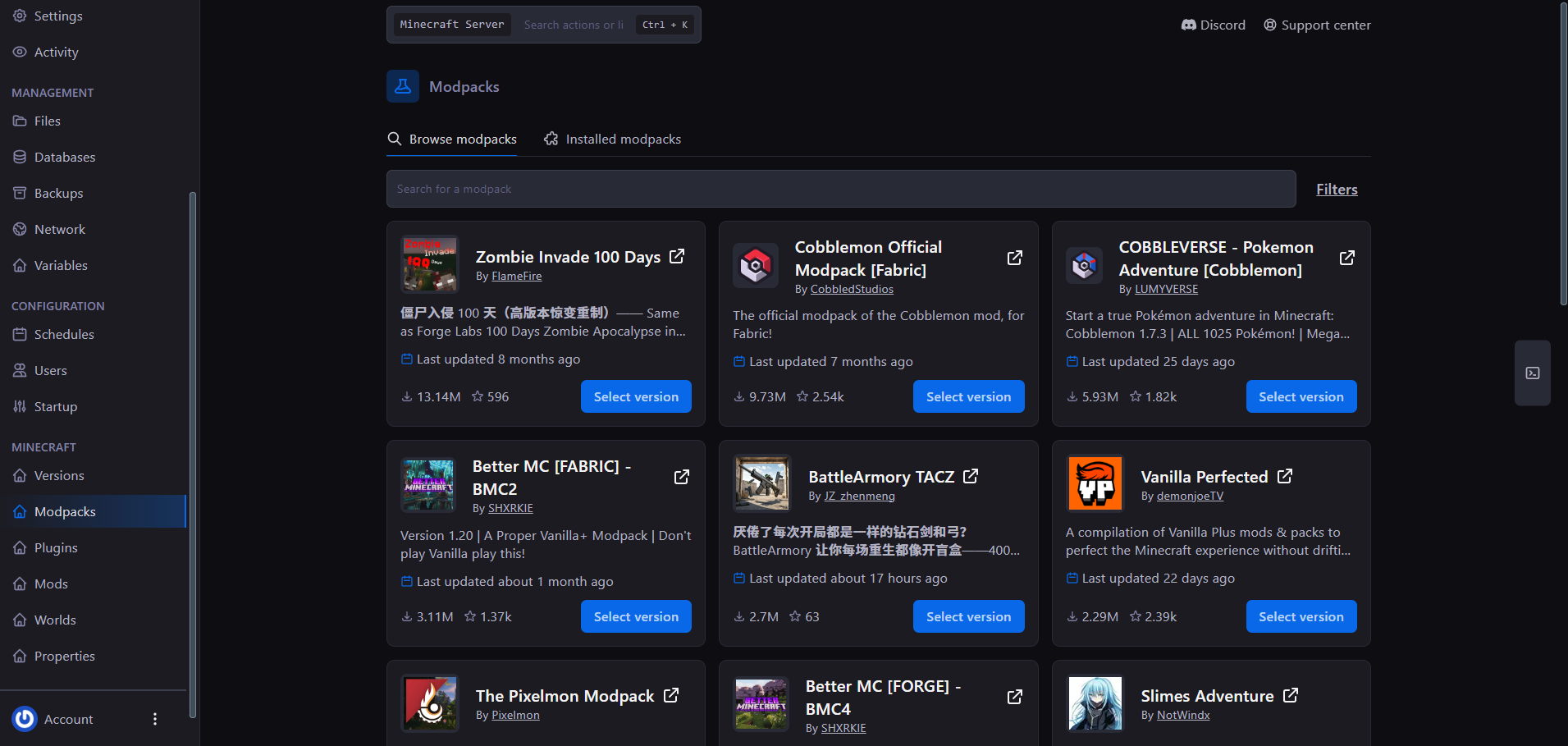
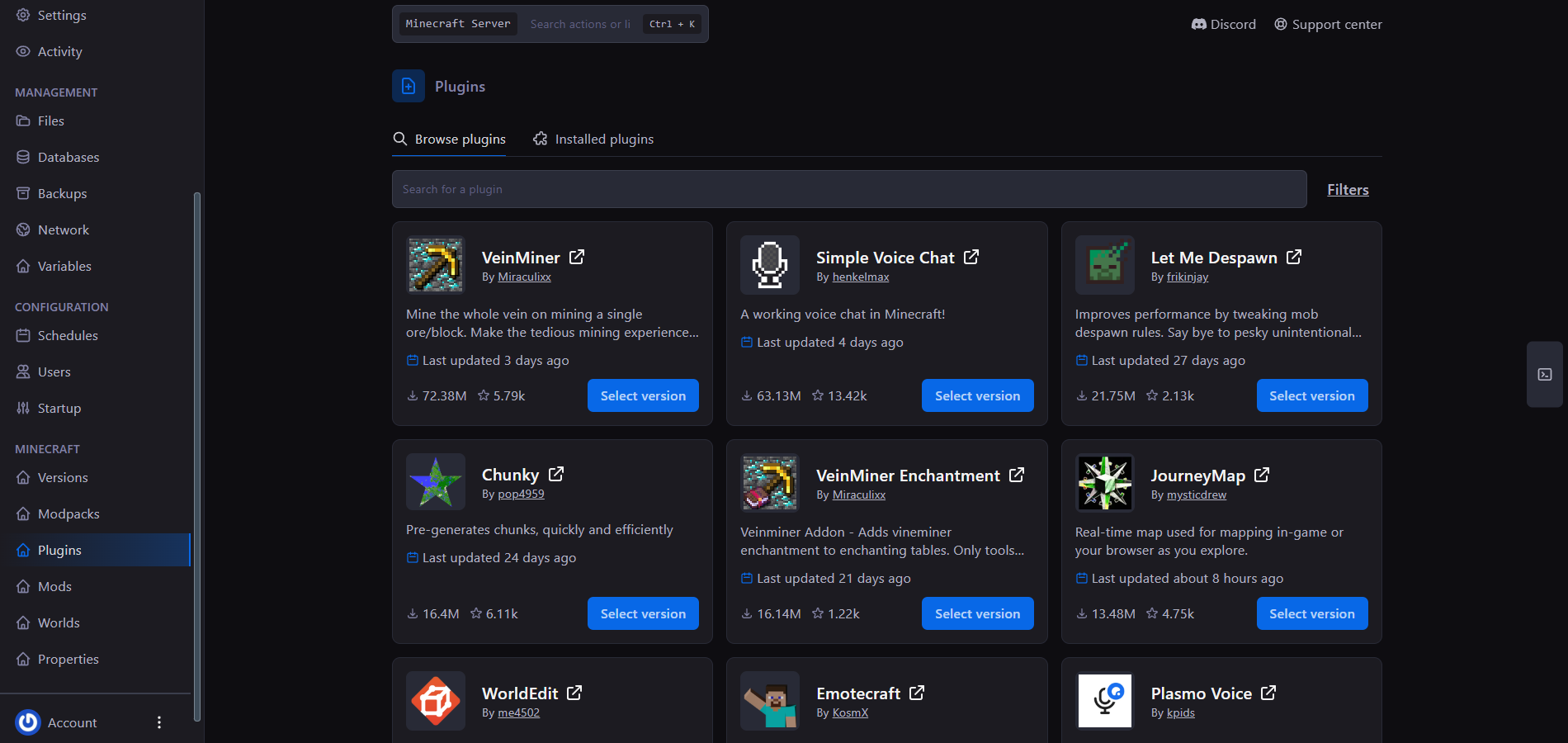
Match the server software to your content: Paper and Purpur support Bukkit-style plugins, while Fabric, Forge and NeoForge mods require the matching loader. The Konnect panel includes version, modpack and plugin tools. Check the requirements of your chosen pack before comparing memory and CPU resources.
How long before my server is online?
How fast is support service?
What payment methods do you accept?
We accept major credit cards through Stripe and PayPal where available. The payment options available for your region are shown at checkout.
What hardware will host my server
Compare the processor, memory and storage shown in the plan cards above. Your plan’s memory is the allocation for your server, rather than the whole host machine. Hardware and resource availability depend on your selected plan and location.
Can I install Mods & Plugins on my server?
Can I get a refund?
New service purchases are covered by our 3-day money-back guarantee. Contact us through the client portal within 72 hours of your original purchase to request a refund. Renewals and other excluded purchases are not covered by this guarantee. See our refund policy for the full terms and exclusions.
No matching questions. Try another search or visit the knowledge base.
