Garry's ModServer Hosting

Build, experiment, and create in the physics sandbox where custom modes, addons, and community ideas can become anything.

  • SFTP Access & Browser File Editing
  • The Konnect Hosting Game Panel
  • Unlimited player slots at no extra charge
Starting at $9.00/mo 3-day money-back guarantee

You pay for dedicated hardware resources, never artificial player-slot limits.

4.4 Trusted by Communities

Base

12+Players (est.)

Best for starting a community

Dallas, United States Helsinki, Finland

Pac3

24+Players (est.)

Best for a growing community

Dallas, United States Helsinki, Finland

Weaponry

48+Players (est.)

Best for starting a community

Dallas, United States Helsinki, Finland

Wiremod

64+Players (est.)

Best for a growing community

Dallas, United States Helsinki, Finland

★ Maximum Performance

Ultimate

128+Players (est.)

Best for busy, high-pop servers

Dallas, United States Helsinki, Finland

Included with every plan

  • Public Service Status
  • Server Console
  • (S)FTP Access
  • Workshop Support
  • Automatic Restarts
  • Secure Backups
  • DDoS Protected
  • Flexible Player Capacity
  • Subuser Access
  • Setup After Payment

Powerful tools without the learning curve

Easy, Seamless Garry's Mod Hosting

Manage files, edit configuration, and control your Garry's Mod server from one clean browser-based panel.

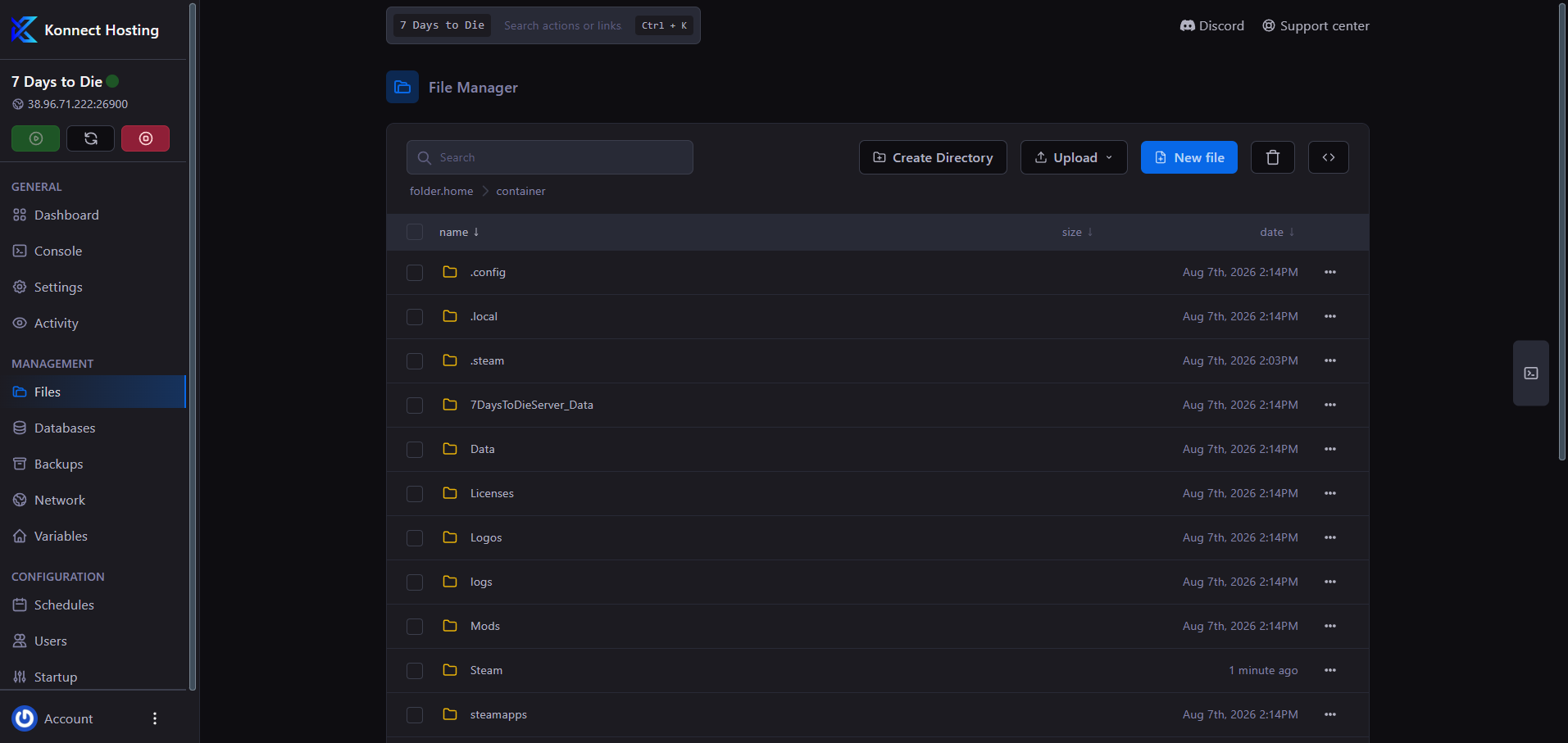
Manage server files from your browser

Browser File Manager

Upload game files, edit configuration, and organize your Garry's Mod server from your browser. Use SFTP for transfers from your desktop.

  • Browser file tools

    Upload, rename, and edit server files in the web panel.

  • Built for custom servers

    Manage supported mods and configuration files with browser tools or SFTP.

Konnect Hosting browser file manager for uploading and editing server files

Configure your server in seconds

Config Manager

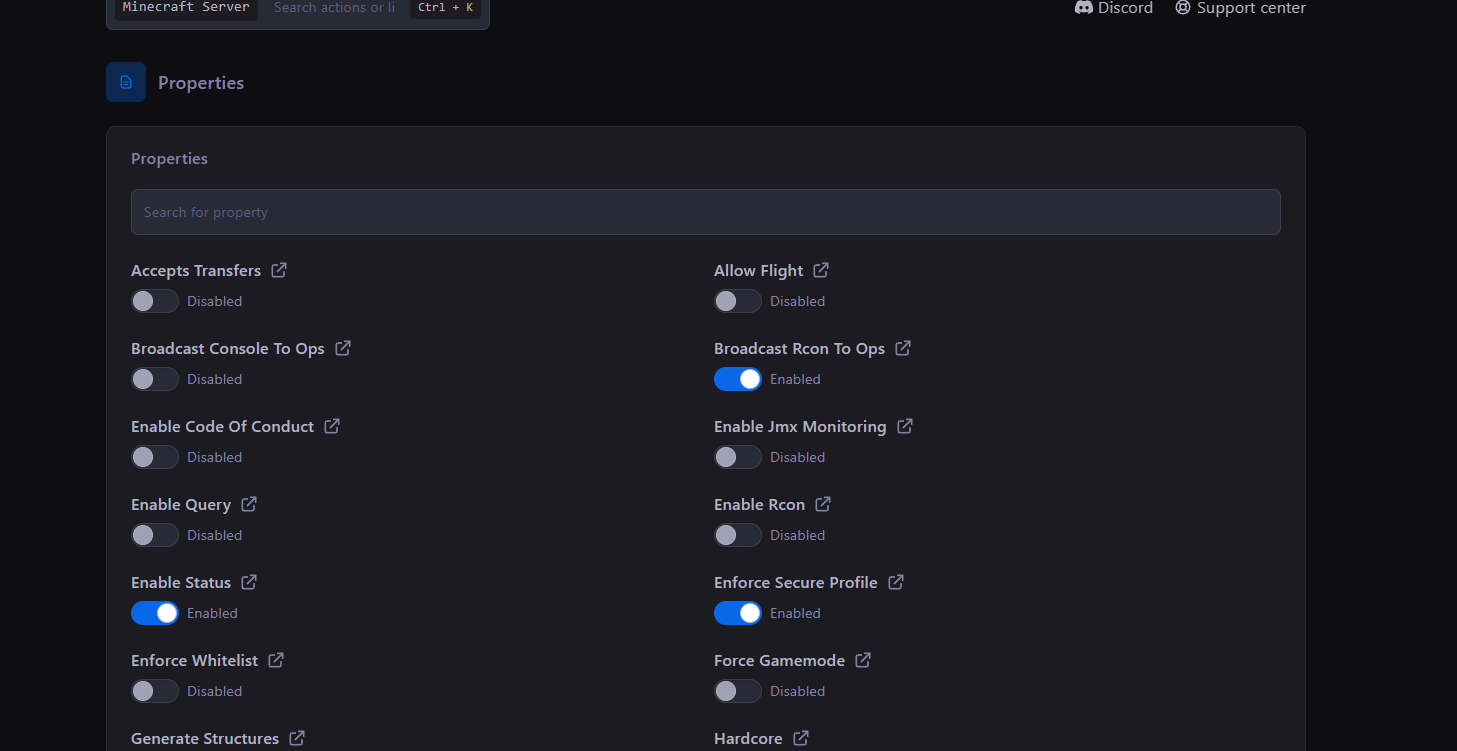
Adjust common Garry's Mod server settings from the same panel you use to run your server—no scattered tools or extra setup windows.

  • Organized controls

    Keep gameplay, world, access, and performance settings easy to find.

  • Console access

    Monitor activity and issue server commands from one place.

Konnect Hosting Arix settings and properties panel

File editing made simple

Advanced File Manager

Browse, edit, upload, and organize your Garry's Mod files directly in the browser, with common folders and controls always close by.

  • Quick access

    Reach common configuration, save, and content folders without digging.

  • Upload and edit

    Make everyday file changes while retaining secure SFTP access.

Konnect Hosting Arix browser file manager

Your Garry's Mod server, all in one place

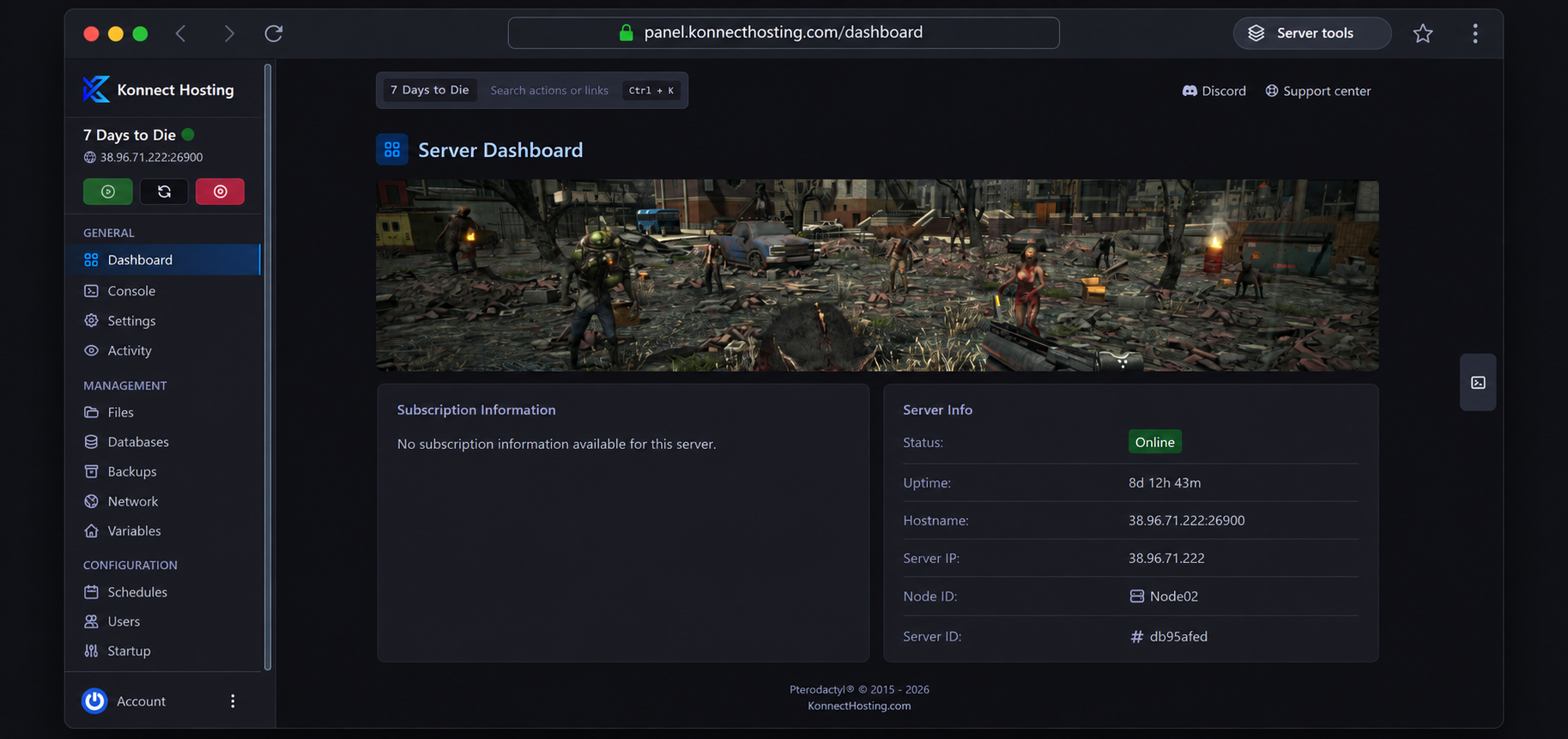
Meet the Konnect Hosting Panel

Watch the console, review resource usage, manage access, and handle routine server work without leaving your browser.

Server Content Support

Manage supported game content and configuration files using the browser file manager or SFTP.

Config Manager

Manage common server settings with a guided workflow.

Unlimited Player Slots

Your plan is based on server resources, not an artificial player-slot limit.

Audit Logs

Review important account and server actions with a clear history.

File Manager

Browse and edit server files directly from your web browser.

Backups

Create recoverable copies of important server content and configuration files.

SFTP Access

Use secure file transfers when you want full desktop-level access.

Subusers

Give teammates only the permissions they need to help manage the server.

Config Editor

Adjust common Garry's Mod settings without searching through every file.

Live Metrics

Monitor resource usage and server health from the same dashboard.

Scheduler

Automate restarts, backups, and recurring maintenance tasks.

Web Console

Monitor the server and run commands from any modern browser.

PLAN YOUR SERVER

Choosing your Garry's Mod server

Build your GMod hosting setup around the gamemode, Workshop content and community you want to run, rather than choosing from player count alone.

Choose a gamemode and compatible content

Sandbox, DarkRP, Trouble in Terrorist Town and other gamemodes need their own maps, addons and dependencies. Group the content you need into a readable Steam Workshop collection, then set the gamemode to its internal folder name in startup settings. Our GMod guides explain both workflows, including checking console errors when a dependency is missing.

Allow room for addons and busy sessions

A lightweight private server and a community running many scripted addons can have very different workloads. Compare plan resources against the content you intend to install, and allow storage space for maps and Workshop downloads. Start with a focused addon list, test it with players and use resource monitoring to guide changes as the server becomes busier.

Maintain your community without losing configuration

Create a backup before replacing gamemode files or changing a Workshop collection. The Konnect panel offers browser file management, SFTP, console access and subuser permissions so trusted moderators can help with server work. Keep a copy of your known working configuration and verify startup after updates before reopening the server to players.

Choose a location for your community

Compare the facilities and DDoS protection for our US and European locations. A nearby region helps reduce the distance between your players and the server.

Garry's Mod server hosting FAQs

Find answers about your game server, or explore our setup guides.

How much does Garry's Mod server hosting cost?

See the plan cards above for current monthly pricing and included memory, processor and storage. Choose resources around your game settings, mods and community size rather than player count alone.

What do I need for a DarkRP or TTT GMod server?

Prepare the gamemode, maps and required addons as a compatible set. Use the gamemode’s internal folder name in startup settings and organize Workshop content into a collection. Test dependencies and console output before opening the server, then compare plan resources for your addon load and regular player sessions.

How long before my server is online?
Your order enters the setup queue after payment is confirmed. Setup time depends on the game, selected configuration, and current availability. Follow its progress in your client portal; support can help with questions about your order.
How fast is support service?
Use live chat or your client portal to contact our support team. Include the game, server details, and any error messages so we can help with your setup or troubleshooting. Response times vary with the request and current workload.
What payment methods do you accept?

We accept major credit cards through Stripe and PayPal where available. The payment options available for your region are shown at checkout.

What hardware will host my server?

Compare the processor, memory and storage shown in the plan cards above. Your plan’s memory is the allocation for your server, rather than the whole host machine. Hardware and resource availability depend on your selected plan and location.

Can I install mods and custom content?
Yes. Any content supported by Garry's Mod can be installed. Contact support if you need help with a specific setup.
Can I get a refund?

New service purchases are covered by our 3-day money-back guarantee. Contact us through the client portal within 72 hours of your original purchase to request a refund. Renewals and other excluded purchases are not covered by this guarantee. See our refund policy for the full terms and exclusions.