BeamMP Server Hosting
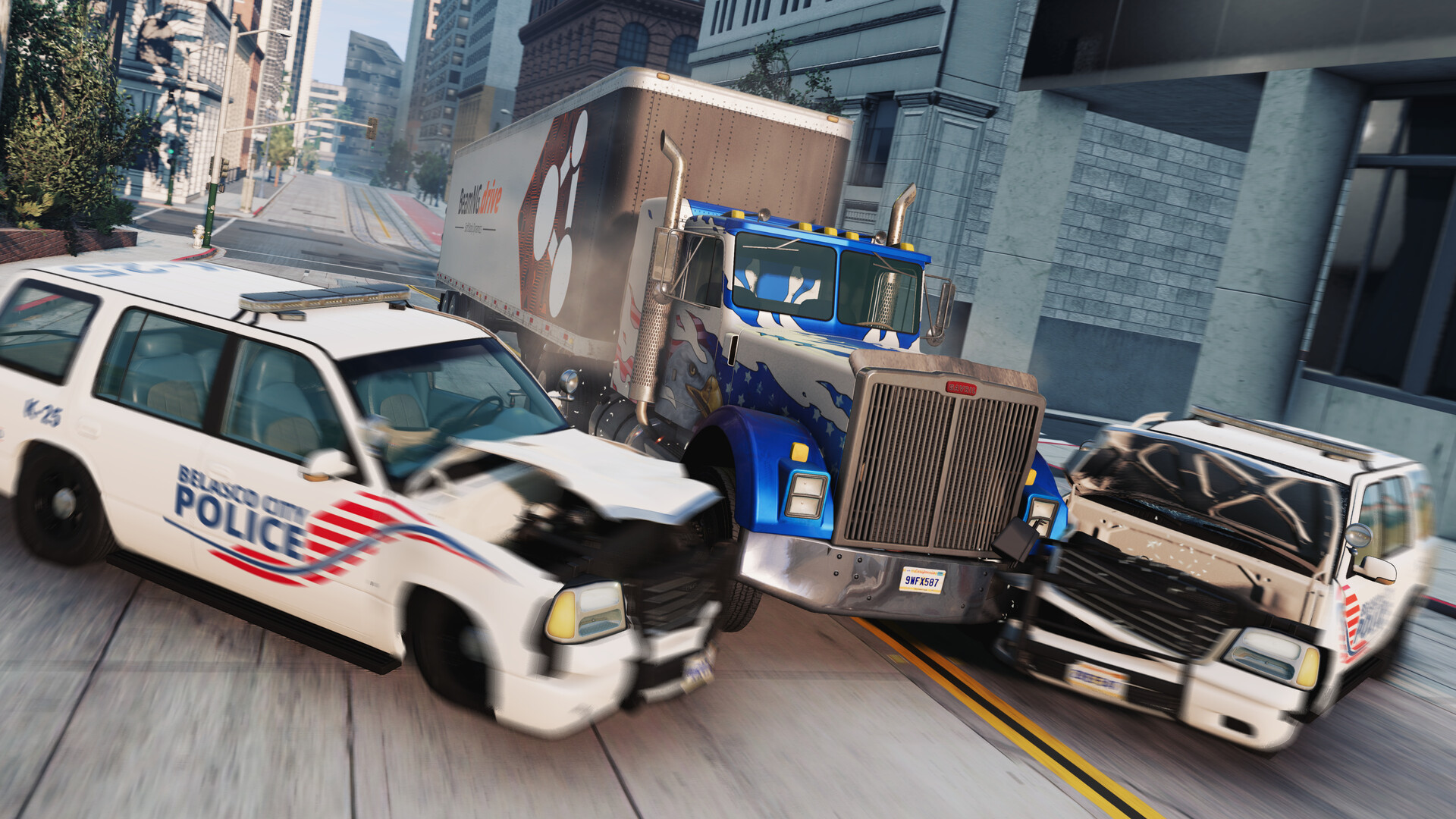
Run a BeamNG.drive multiplayer community with the BeamMP server. Your players need compatible BeamMP clients and any vehicle or map resources you choose.
NVMe storage · DDoS protection · Dallas, USA
Run a BeamNG.drive multiplayer community with the BeamMP server. Your players need compatible BeamMP clients and any vehicle or map resources you choose.
NVMe storage · DDoS protection · Dallas, USA
Suggested starting point; player figures are estimates and depend on your world and content.
Dallas, United States Helsinki, Finland · Coming soon
Suggested starting point; player figures are estimates and depend on your world and content.
Dallas, United States Helsinki, Finland · Coming soon
Suggested starting point; player figures are estimates and depend on your world and content.
Dallas, United States Helsinki, Finland · Coming soon
Run a BeamNG.drive multiplayer community with the BeamMP server. Your players need compatible BeamMP clients and any vehicle or map resources you choose.
Start with 2 GB RAM and 30 GB NVMe storage. Keep space for saved data and compatible custom content, then move to a larger resource plan as your community grows.
Manage your game server from the Konnect Hosting panel.
The installed egg manages ServerConfig.toml. Stop the server and back up your configuration before editing. Values managed by Startup settings may be rewritten when the server starts.
Use browser file management and SFTP for configuration, compatible custom content and saved worlds. Give trusted collaborators their own panel subuser permissions.
Watch CPU, memory and disk usage from the panel. One backup file is included with the base allowance; higher backup allowances provide two files.
Choose resources, complete checkout and follow your service’s setup progress.
Compare the RAM, storage and current price above. 2 GB is the starting plan for this game; choose more headroom for heavier use. Helsinki is shown as coming soon.
Checkout requires BeamMP authentication key. Enter genuine values from your own account; publisher tokens are not generated by the hosting panel. Use the help link next to each field. Token fields are stored as protected setup values and sent only to the selected game server.
The panel downloads the reviewed server package and applies its resources and network ports. Open your service page for progress and panel access.
Use the game address and assigned primary port on your service page or in the game panel. Follow BeamMP’s supported server browser or direct-connect flow. Keep the assigned values: secondary query, synchronization or administration ports serve different purposes.
Take a backup before updates, configuration changes or importing an existing world.
Answers about renting, configuring and running your BeamMP server.
Run a BeamNG.drive multiplayer community with the BeamMP server. Your players need compatible BeamMP clients and any vehicle or map resources you choose.
You rent a dedicated game-server instance with the plan resources shown above and manage it in the Konnect Hosting panel. This is a game-server service, rather than a whole physical machine.
The plan cards show current monthly prices and resource allowances from Product Catalog. Your billing cycle and any selected upgrades determine the total at checkout. Prices are based on resources rather than a per-player hosting charge.
Our starting configuration has 2 GB RAM and 30 GB NVMe storage, including headroom beyond a minimal installation. Choose more RAM for larger worlds, more active players or heavier custom content. Installation size and runtime demand change with updates, maps and mods; monitor actual usage rather than treating the suggested player count as a benchmark.
We do not map the plan’s suggested player count into a hosting slot cap. Player figures are estimates. The game’s own server settings and technical limits still apply, and usable capacity depends on your world, content and purchased resources.
Yes. After confirmed payment, automation selects this game’s installed egg, applies your purchased resources and assigns the reviewed port bundle on an enabled Dallas node. Checkout checks current capacity before payment, and provisioning checks it again. Downloads and first startup take time; your service page shows progress.
Checkout requires BeamMP authentication key. Enter genuine values from your own account; publisher tokens are not generated by the hosting panel. Use the help link next to each field. Token fields are stored as protected setup values and sent only to the selected game server.
Use the game address and assigned primary port on your service page or in the game panel. Follow BeamMP’s supported server browser or direct-connect flow. Keep the assigned values: secondary query, synchronization or administration ports serve different purposes.
The installed egg manages ServerConfig.toml. Stop the server and back up your configuration before editing. Values managed by Startup settings may be rewritten when the server starts.
The upstream BeamMP egg reference describes the installer and its variables. Back up saves before changing editions, branches or server packages.
Use the browser file manager or SFTP to upload your own compatible files. Stop the server and take a backup first. Use content supported by this server implementation and game version; a hosting panel does not make incompatible mods or saves work. Contact support before changing implementations on an existing world.
Stop the server or use its supported save command before taking a backup. Preserve worlds, configuration and any custom content before updates, migrations or reinstalls. The included 10 GB backup allowance provides one backup file; higher allowances provide two files. Backup storage is separate from server disk space. Backups include server files by default; no unverified exclusions are applied.
Dallas, Texas is available for new orders when an enabled node has capacity for your configuration. Helsinki, Finland is coming soon and cannot be selected. Network latency depends on your players’ locations and routes.
Choose an available higher plan through your service’s plan-change options or contact support. Plan resources are totals: moving from 4 GB to an 8 GB plan gives 8 GB, rather than adding the old and new plans. Availability and any billing adjustment are shown before you confirm.
No matching questions. Try another search or visit the knowledge base.
Compare resource plans and check the selected configuration at checkout.

 Dallas, United States
 Helsinki, Finland · Coming soon