VEINServer Hosting

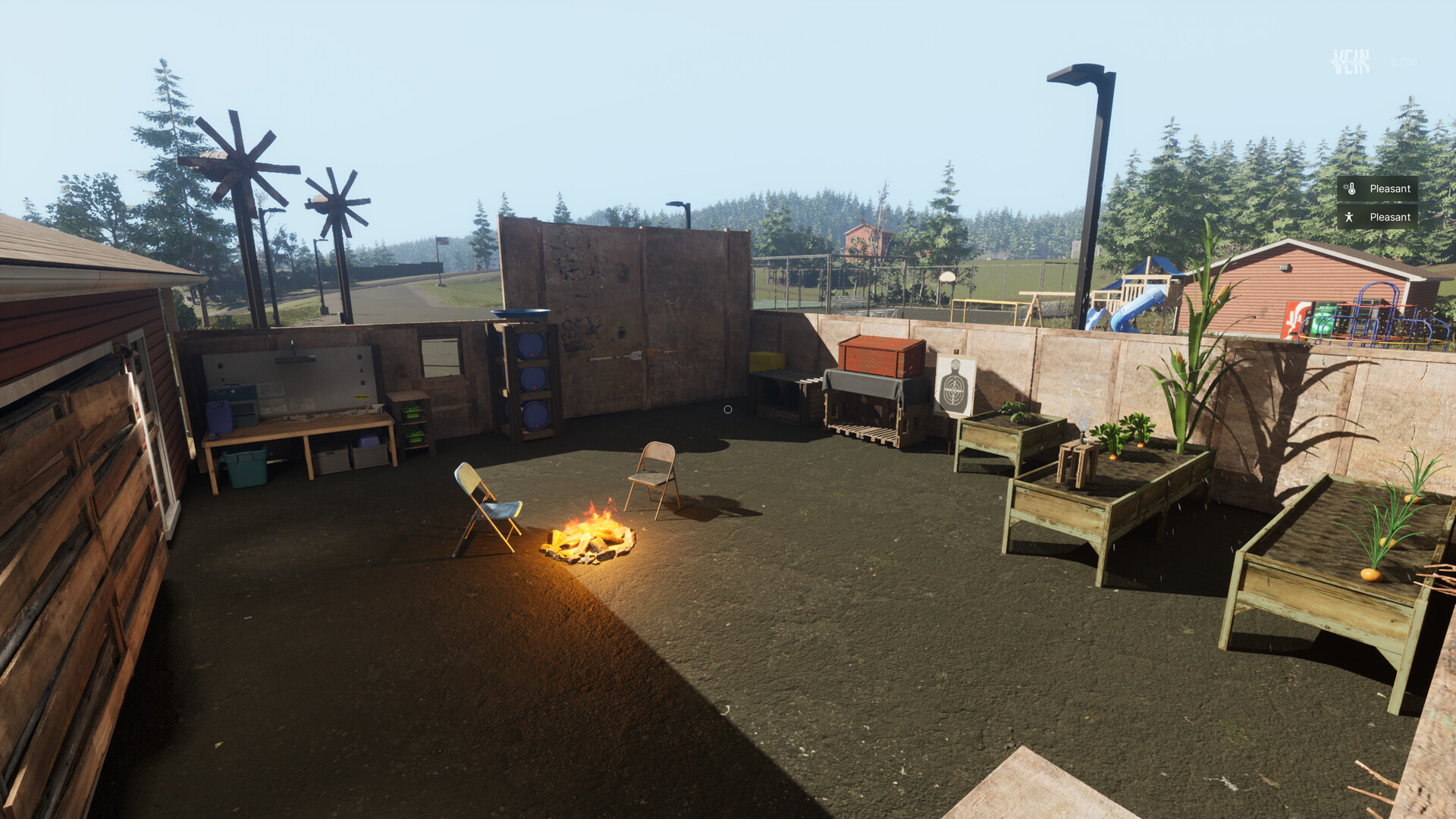
VEIN server hosting for your own persistent zombie-survival world. Rent a dedicated game server with automatic setup, NVMe storage, DDoS protection and a browser control panel. Gather your friends, build a settlement and keep your world online.

  • Persistent Survival Worlds
  • Console, Files & SFTP
  • No Hosting Slot Limits
Starting at $27.99/mo 3-day money-back guarantee

Choose resources for your world. Suggested player counts are estimates; world growth, settings and player activity affect performance.

4.4 Trusted by Communities

Choose your VEIN server hosting plan

Survivor

4+Players (est.)

Player count is an estimate · size for your world and busiest sessions

Dallas, United States Helsinki, Finland · Coming soon
Community

12+Players (est.)

Player count is an estimate · size for your world and busiest sessions

Dallas, United States Helsinki, Finland · Coming soon
Included with every plan

  • Automatic server setup
  • Persistent world saves
  • Browser server console
  • File manager and SFTP
  • Editable server settings
  • Server backups
  • DDoS protection
  • No hosting slot limits
  • Subuser permissions

Powerful tools without the learning curve

Easy, Seamless VEIN Hosting

Manage files, edit configuration, and control your VEIN server from one clean browser-based panel.

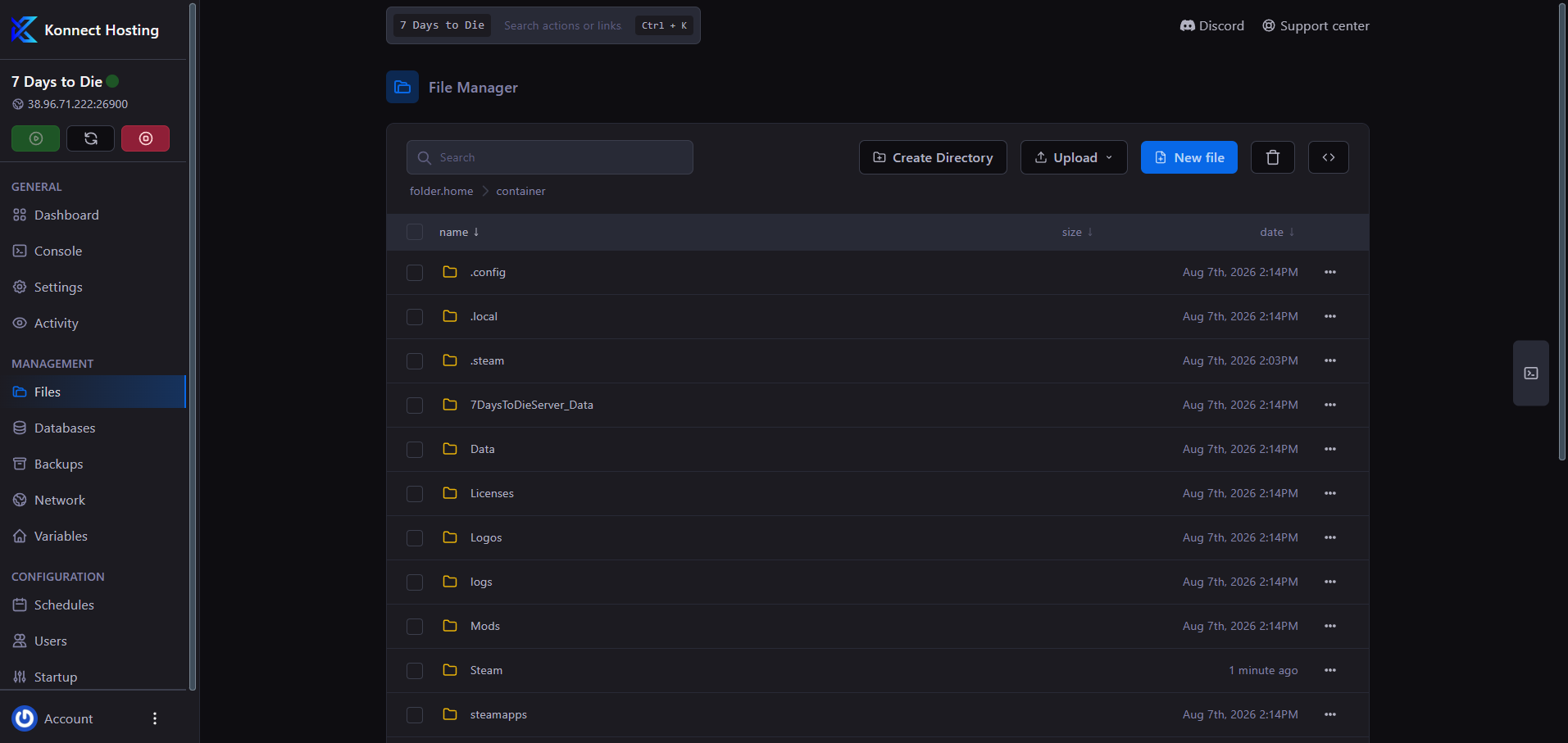
Manage server files from your browser

Browser File Manager

Upload game files, edit configuration, and organize your VEIN server from your browser. Use SFTP for transfers from your desktop.

  • Browser file tools

    Upload, rename, and edit server files in the web panel.

  • Keep your world under your control

    Manage VEIN server files, saved worlds and configuration using browser tools or SFTP.

Konnect Hosting browser file manager for uploading and editing server files

Your survival server, your settings

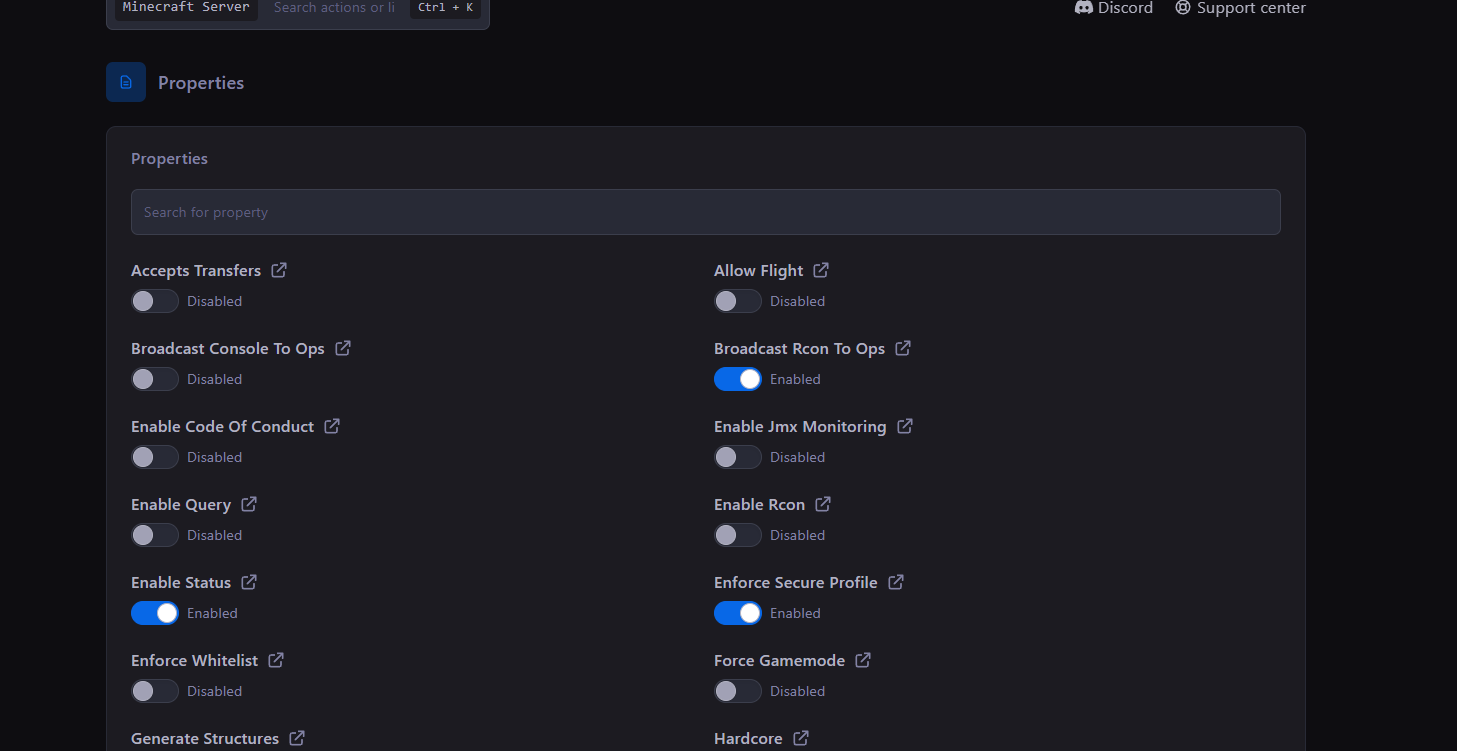
VEIN Server Settings

Edit your server name, join password and game player setting in the panel Startup tab. Use configuration files for additional gameplay settings.

  • Organized controls

    Keep server access organized with separate panel subusers.

  • Console access

    Monitor activity and issue server commands from one place.

Konnect Hosting Arix settings and properties panel

File editing made simple

Advanced File Manager

Browse, edit, upload, and organize your VEIN files directly in the browser, with common folders and controls always close by.

  • Quick access

    Browse the server files and back up your world before updating or changing its settings.

  • Upload and edit

    Make everyday file changes while retaining secure SFTP access.

Konnect Hosting Arix browser file manager

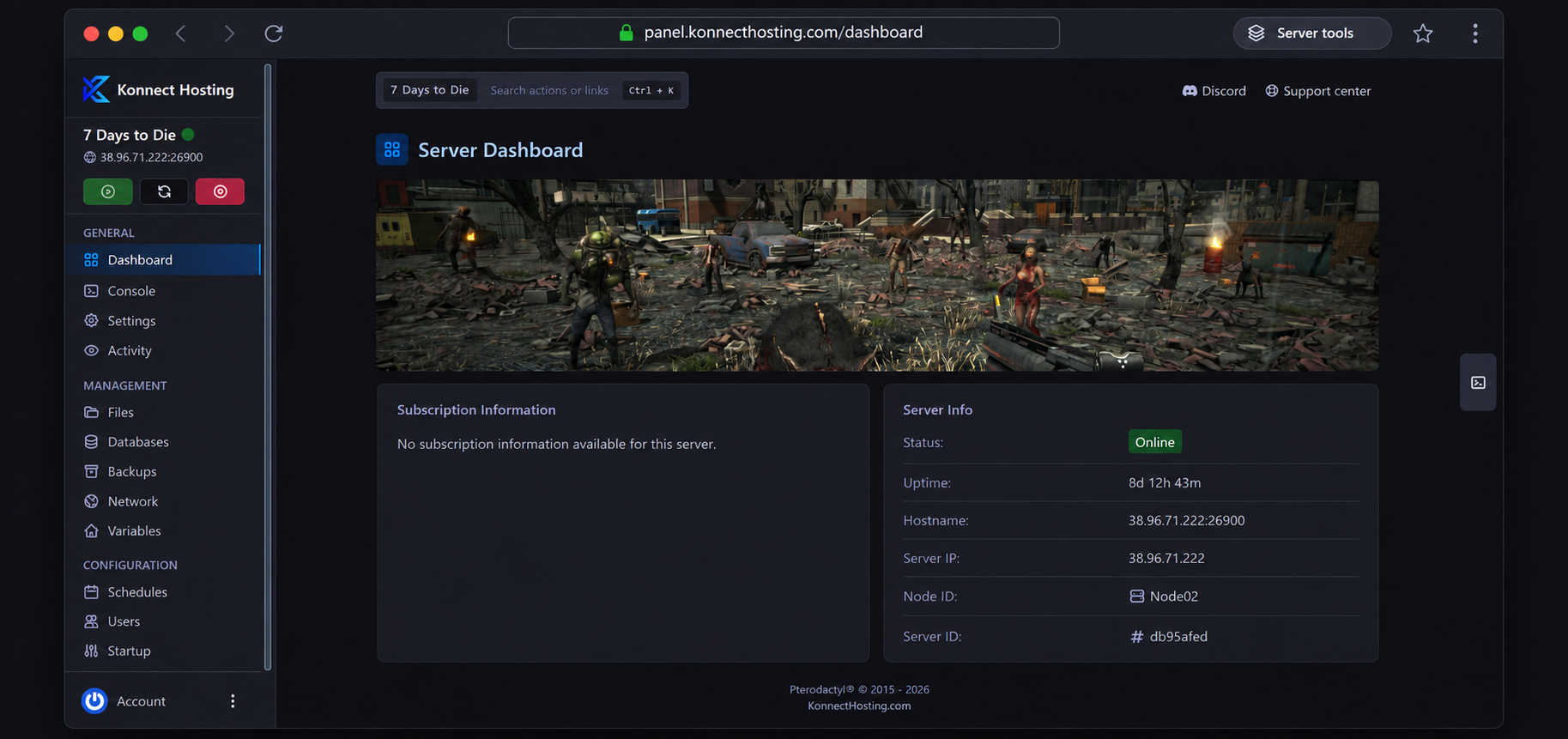
Your VEIN server, all in one place

Watch the console, review resource usage, manage access, and handle routine server work without leaving your browser.

Server Content Support

Manage your saved world and configuration files in the browser file manager or SFTP.

Startup Settings

Change your VEIN server name, password and game settings from the panel.

Resource-Based Plans

Our plans recommend player counts rather than imposing a hosting slot cap. Watch resource usage as your world grows.

Audit Logs

Review important account and server actions with a clear history.

File Manager

Browse and edit server files directly from your web browser.

Backups

Create recoverable copies of important server content and configuration files.

SFTP Access

Use secure file transfers when you want full desktop-level access.

Subusers

Give teammates only the permissions they need to help manage the server.

World & Configuration Files

Keep a backup before editing Game.ini or moving an existing world.

Live Metrics

Monitor resource usage and server health from the same dashboard.

Scheduler

Automate restarts, backups, and recurring maintenance tasks.

Web Console

Monitor the server and run commands from any modern browser.

PLAN YOUR SERVER

Rent a VEIN server for your survival community

Build a persistent multiplayer world for scavenging, base building and surviving together. Choose memory for your busiest sessions and keep room for your world to grow.

A world that stays with your group

A dedicated VEIN game server keeps the world available while your server is running, without a friend having to host the session on their gaming PC. Manage world files and take backups before updates or migrations.

Choose RAM for your actual world

VEIN simulates a growing survival world. Players, explored areas, buildings, entities and gameplay settings can change resource use. Our plans start at 12 GB RAM with 100 GB NVMe storage. Player suggestions are estimates, not benchmarks or guarantees; monitor memory and choose more headroom for a busy world.

Make your VEIN server private

Use the Startup tab to set a join password, then share the server address and password with your group. Keep passwords private and give trusted administrators their own panel subuser access. A public-listing toggle alone is not a substitute for a join password.

Game server setup guides

Practical guides from the Konnect Hosting game panel.

Browse the Knowledge Base →

VEIN server hosting in Dallas, USA

New VEIN servers are available in Dallas, Texas on Node01. Compare your group’s location when choosing a server. Helsinki, Finland is coming soon and cannot be selected for a new order yet.

VEIN server hosting FAQs

Answers about renting a VEIN server, choosing RAM, joining your world and keeping it backed up.

What is VEIN dedicated server hosting?

It is a hosted multiplayer world for VEIN, the zombie-survival game from Ramjet Studios. Your group connects to a game server managed through the Konnect Hosting panel, instead of relying on a player’s PC to host every session. This is a dedicated game-server instance with allocated plan resources; it is not a whole physical machine.

How much does a VEIN server cost?

Compare the current monthly prices, RAM and storage in the plan cards above. The selected billing cycle, storage or backup upgrades and any applicable taxes determine the total shown at checkout. Choose resources for your world rather than buying a fixed number of player slots.

How much RAM and storage do I need for a VEIN server?

Our VEIN plans start at 12 GB RAM and include 100 GB NVMe storage for server files, saves and update headroom. Consider 16 GB or more for a growing world, then monitor actual usage. Memory demand changes with world activity and server settings; the estimated player counts are guidance rather than a guaranteed capacity. Extra server storage is selectable at checkout, and backup storage is separate.

Does VEIN server hosting limit player slots?

Konnect Hosting does not tie your plan to an enforced player-slot cap. Every plan uses the same customer-editable game player setting, initially 64, rather than copying the suggested player estimate into the game. The game setting and your available resources still determine how many people can join and play comfortably.

Is VEIN server setup automatic?

Yes. After confirmed payment, automatic setup installs the Linux dedicated server, applies your purchased resources and assigns separate game and query ports on an enabled Dallas node. Installation and first startup take time and depend on Steam downloads and node availability. Your service page shows setup progress and connection details.

How do I join my VEIN server?

Use the game address and port shown on your service page or in the game panel. If public listing is enabled and the server has registered successfully, look for your configured server name in VEIN’s server browser. The query port is used for discovery and is separate from the game port used to connect. Keep the assigned ports rather than replacing them with default port numbers.

Can I run a private, password-protected VEIN server?

Yes. Stop your server, set a join password in the Startup tab, and start it again. A password may use 4–32 letters, numbers, dashes and underscores; leave it blank for no password. Do not rely on the public-server listing toggle alone to restrict access. Share your password only with the players you want to join.

Can I change server settings or add VEIN admins?

Use the panel Startup tab for the server name, password, public-listing preference and game player setting. Additional settings are stored in Vein/Saved/Config/LinuxServer/Game.ini and Engine.ini. Back up your configuration and stop the server before editing. Ramjet Studios’ server documentation explains the current administrator and gameplay options. Preserve the logging settings used by the panel console.

Can I upload an existing world and back it up?

You have file-manager and SFTP access to transfer your own server files. Stop the server and back up both worlds before replacing save data. Keep compatible game versions and follow the current game documentation for save names and formats. The included backup option provides one backup file; higher backup allowances provide two. Backup allowance and server disk space are separate.

Where are your VEIN servers hosted?

Dallas, Texas in the United States is available for new VEIN orders. Helsinki, Finland is coming soon and is visible but not selectable. Choose a location close to your players where possible; latency depends on their network routes.

Do I need Steam login details to rent a VEIN server?

No Steam username or password is needed to download the dedicated server: automatic setup uses Steam’s anonymous server download. Players still need their own copy of VEIN to play.

How do VEIN updates work?

The server’s Auto update setting is enabled initially, so SteamCMD checks for updates when the server starts. Plan restarts for a quiet period and take backups first. Your game clients and server should use compatible versions. VEIN is in Early Access, so updates can change settings, requirements and compatibility.

Can I upgrade my VEIN server later?

Use the service’s plan-change options in the billing portal or contact support for help. Moving to another plan changes your total plan resources; the RAM of the old and new plans is not added together. Back up important world data before a resource or configuration change.

What payment methods and refund policy apply?

Available card and PayPal methods appear at checkout. Eligible new service purchases have a 3-day money-back guarantee. See the refund policy for exclusions and how to request help.