
 Dallas, United States
 Helsinki, Finland · Coming soon
s&box server hosting FAQs
Help choosing a plan, starting your game and getting players connected.
What can I host with an s&box server?
s&box is Facepunch’s Source 2 and C# game platform. Run a multiplayer game that supports dedicated servers, or test your own compatible project. Facepunch’s multiplayer documentation explains the game-side requirements.
How do I choose the game and map?
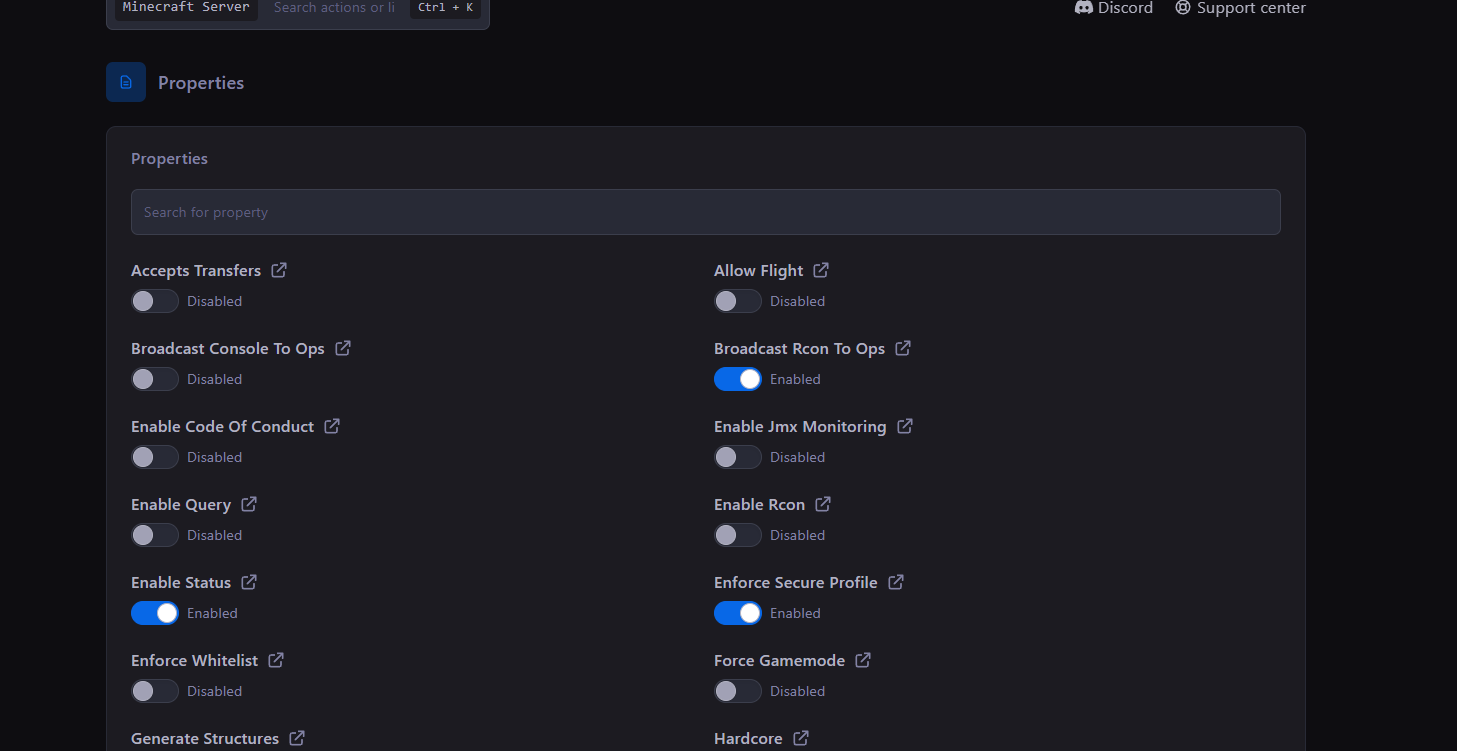
Enter their package identifiers in the game and map settings. The starting setup uses facepunch.sandbox with facepunch.flatgrass. Use none for the map to let the selected game use its own default.
How do players join my server?
Use connect <IP>:<port> in the game console with the game address shown in your panel. For Steam lobby connections, run status in the server console after the game creates a lobby, then use connect <lobbyId> without a steamid: prefix. Lobby and server-browser availability depend on the chosen game.
Why does my server say “Not Connected”?
The game has not created a lobby yet. Check the game’s multiplayer setup and Facepunch’s multiplayer documentation. A running server process alone does not create the game’s lobby.
Do I need to provide Steam credentials?
No Steam username or password is needed for the server download. Facepunch documents anonymous installation. A game-server login token is optional for a stable Steam ID; see Facepunch’s dedicated-server guide.
Does the service run a native Linux server?
Yes. s&box provides a native Linux dedicated-server build, which our automatic setup uses.
Are the player counts a hard limit?
No. Konnect Hosting plans are based on resources and do not enforce a hosting player-slot cap. Suggested counts are estimates, not a performance guarantee. Your selected game can have its own player limit, and heavier content may need more resources.
Where can my s&box server be hosted?
Dallas, Texas is available now. Helsinki, Finland is marked coming soon and is not selectable at checkout.
Can I manage files, backups and staff access?
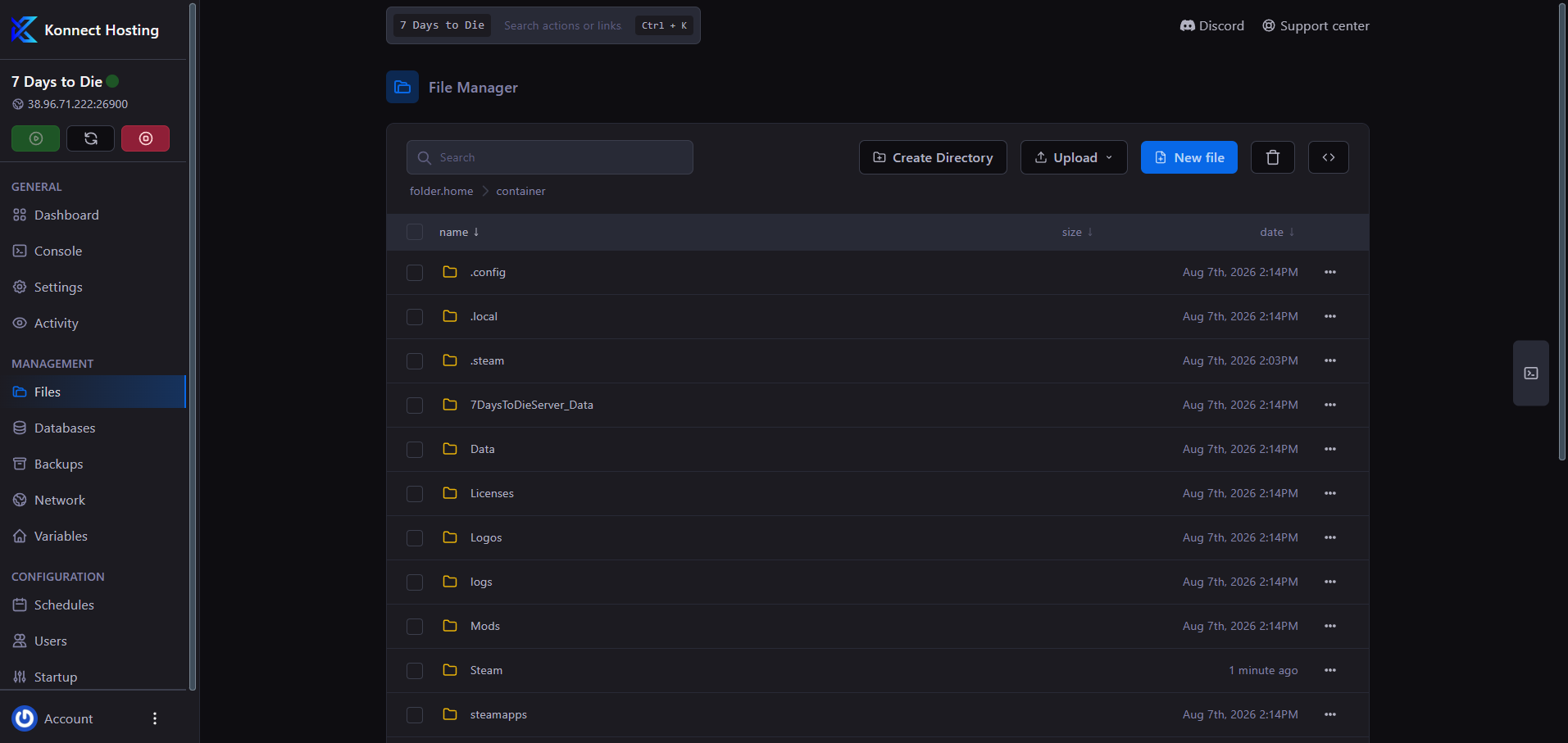
Use the game panel for console access, file management, SFTP, backups and subuser permissions. Check the plan and checkout summary for included resources and backup allowances. Keep a separate copy of important data before changing your setup.
How much does s&box server hosting cost?
The plan cards above show current monthly prices and included resources. Your billing cycle and optional upgrades determine the total shown at checkout, including the recurring amount. Compare plans for the workload you intend to run.
Can I change plans as my community grows?
Compare the current resources and prices in the plan cards. Manage your service in the billing portal or contact support for help choosing a larger or smaller plan.
What payment methods and refund policy apply?
Available card and PayPal options appear at checkout. Eligible new service purchases have a 3-day money-back guarantee; see the refund policy for exclusions and how to request a refund.
No matching questions. Try another search or visit the knowledge base.
