Dallas, United States
 Helsinki, Finland · Coming soon


Your Operation: Harsh Doorstop serverExplore the plans →
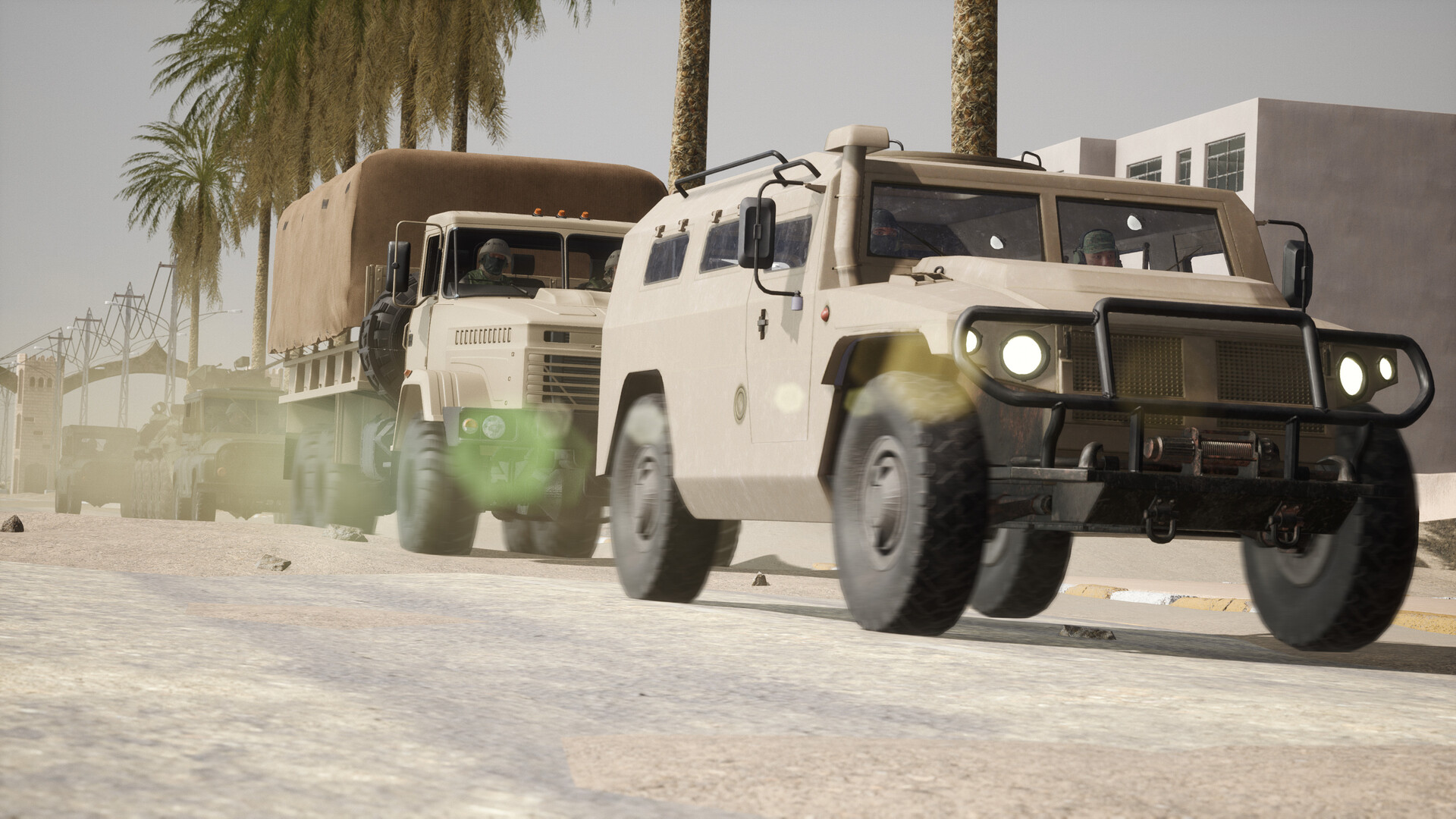
A dedicated session for your tactical group
Build tactical sessions around your selected maps and scenarios. Start with a tested configuration for the way your group wants to play.
Run Operation: Harsh Doorstop with access to its game configuration and separate RCON administration settings.
You pay for dedicated hardware resources, never artificial player-slot limits.
Suggested starting point; player figures are estimates and depend on your world and content.
Dallas, United States Helsinki, Finland · Coming soon
Suggested starting point; player figures are estimates and depend on your world and content.
Dallas, United States Helsinki, Finland · Coming soon
Suggested starting point; player figures are estimates and depend on your world and content.
Dallas, United States Helsinki, Finland · Coming soon
Build tactical sessions around your selected maps and scenarios. Start with a tested configuration for the way your group wants to play.
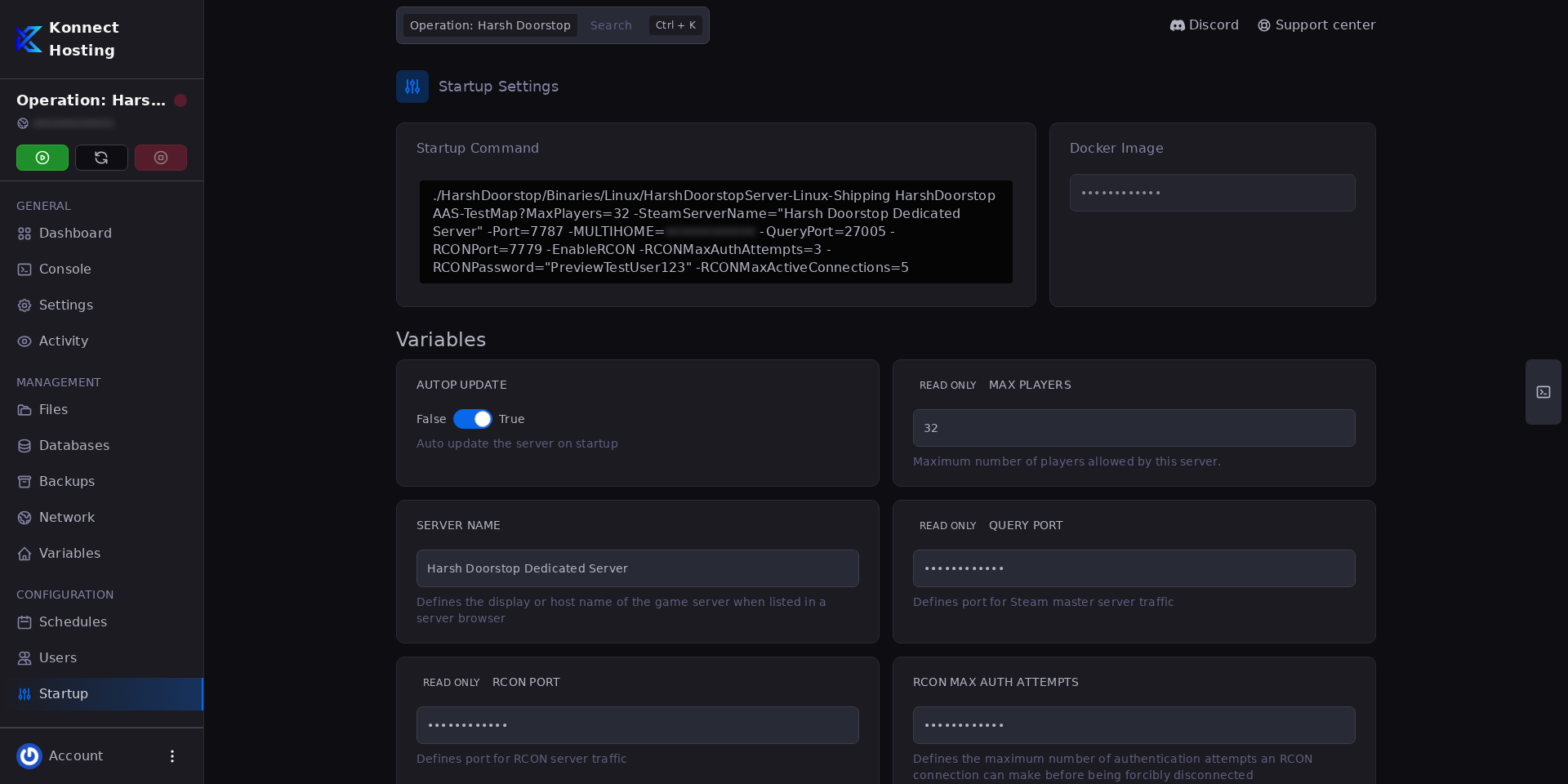
Change these controls in Startup, then restart the game server to apply them.
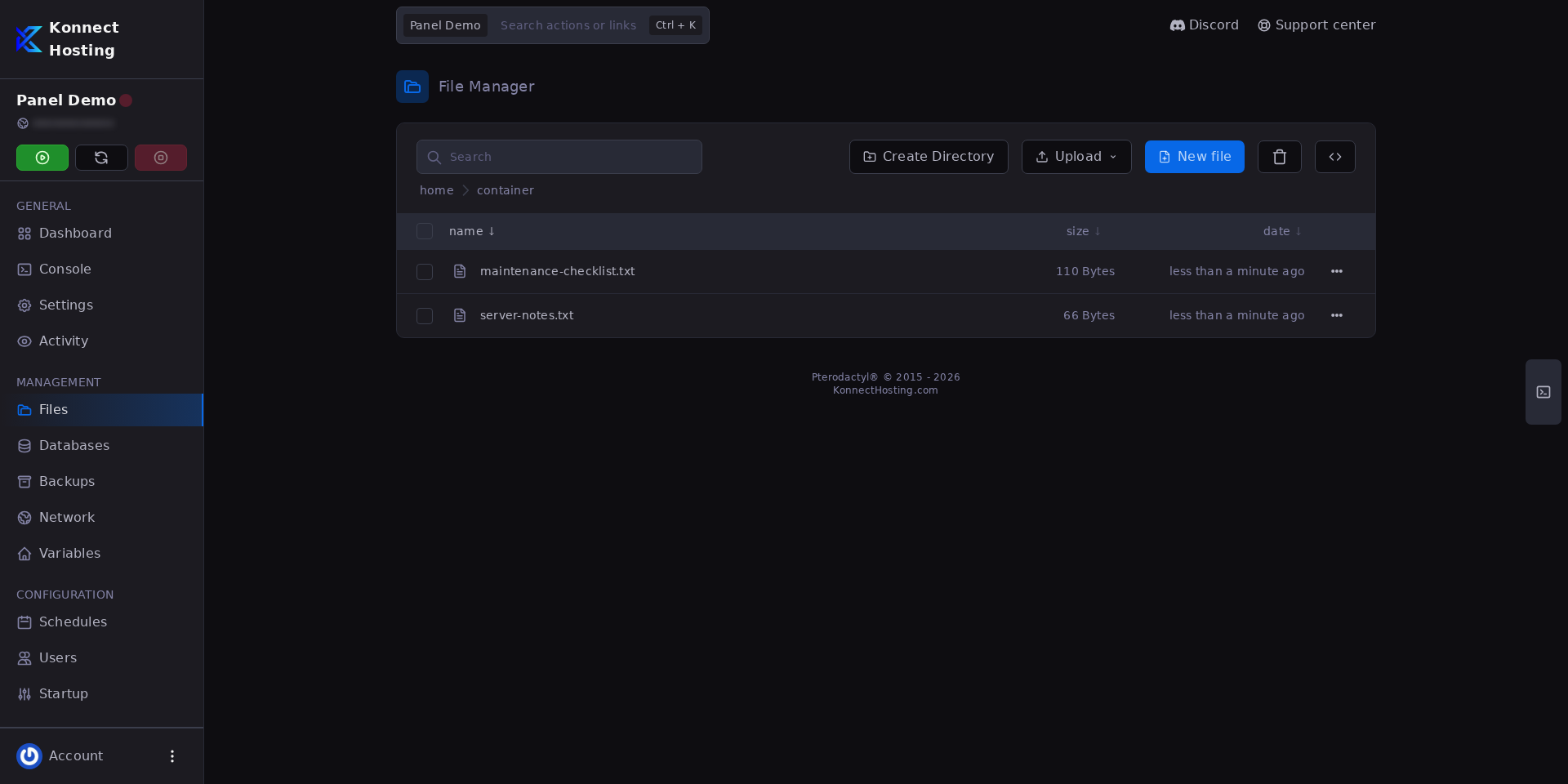
Preview the customer panel for server files, backups, schedules and team access.
Upload, organize and edit files in your browser, or use SFTP for larger transfers.
1 / 4Browse, upload and edit your server files without leaving the panel.
Keep a recoverable copy before changes. Retention and storage follow your selected backup allowance.
Arrange supported server commands, power actions and backups around your community’s routine.
Give trusted teammates their own access and choose which server tools they can use.
Follow startup output, review errors and send commands supported by the game.
Watch memory, CPU and storage use to understand what your server needs.
Rcon Password, Rcon Max Auth Attempts and Rcon Max Connections control remote administration. Keep the password private and use the allocated RCON address rather than the game port.
Use Operation: Harsh Doorstop on the matching release. The installed launcher selects AAS-TestMap directly; changing a file that the launch command overrides will not necessarily select another initial map.
Separate game-connection failures from RCON failures. A remote-admin password or connection limit can reject an admin tool while normal players can still join.
Dallas is available for new orders, subject to capacity. Helsinki is coming soon. Compare the facilities and choose an available region at checkout.
The plans above show the current monthly price, RAM and storage. Selected upgrades and billing period are included in your checkout total.
After confirmed payment, installation starts automatically. Your service page shows progress and panel access. Complete any game-specific token or file requirements listed above before inviting players.
We charge for server resources rather than player slots. The game's own limits still apply; the player counts on plans are estimates, not measured guarantees.
This configuration does not ask you for a personal Steam username or password at checkout. Players still need a compatible copy of the game and any required client mods.
New orders use Dallas, Texas when capacity is available. Helsinki is coming soon. A game's region or browser label does not move the server to a different datacenter.
No matching questions. Try another search or visit the knowledge base.