Konnect Hosting guides

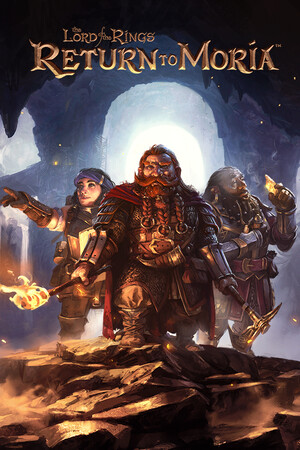
The Lord of the Rings: Return to Moria

Guides and support articles for The Lord of the Rings: Return to Moria.

3 published guides

All The Lord of the Rings: Return to Moria Guides

Upload an existing Return to Moria world to a dedicated server

PC world saves can be copied to Moria/Saved/SaveGamesDedicated. World files begin with MW_ and end in .sav. Keep the original filename and a separate copy of the source save.

The Lord of the Rings: Return to MoriaGame managementGame panel

The Lord of the Rings: Return to Moria server settings: Startup and configuration

Use World Name, Server Password and Difficulty in Startup to configure The Lord of the Rings: Return to Moria.

The Lord of the Rings: Return to MoriaConfigurationGame panel

The Lord of the Rings: Return to Moria server not showing up or unable to connect

Copy the invite code produced by the running server into Join World, or use Advanced Join Options for a direct connection. Give friends the current code rather than a code from an earlier test instance.

The Lord of the Rings: Return to MoriaTroubleshootingGame panel

Looking for game servers?

Get your new server online in minutes.

Explore game hosting →

Need hands-on help?

Open a ticket with our support team.

Contact support →

Konnect Discord

Join the community and talk with other server owners.

Join Discord →
