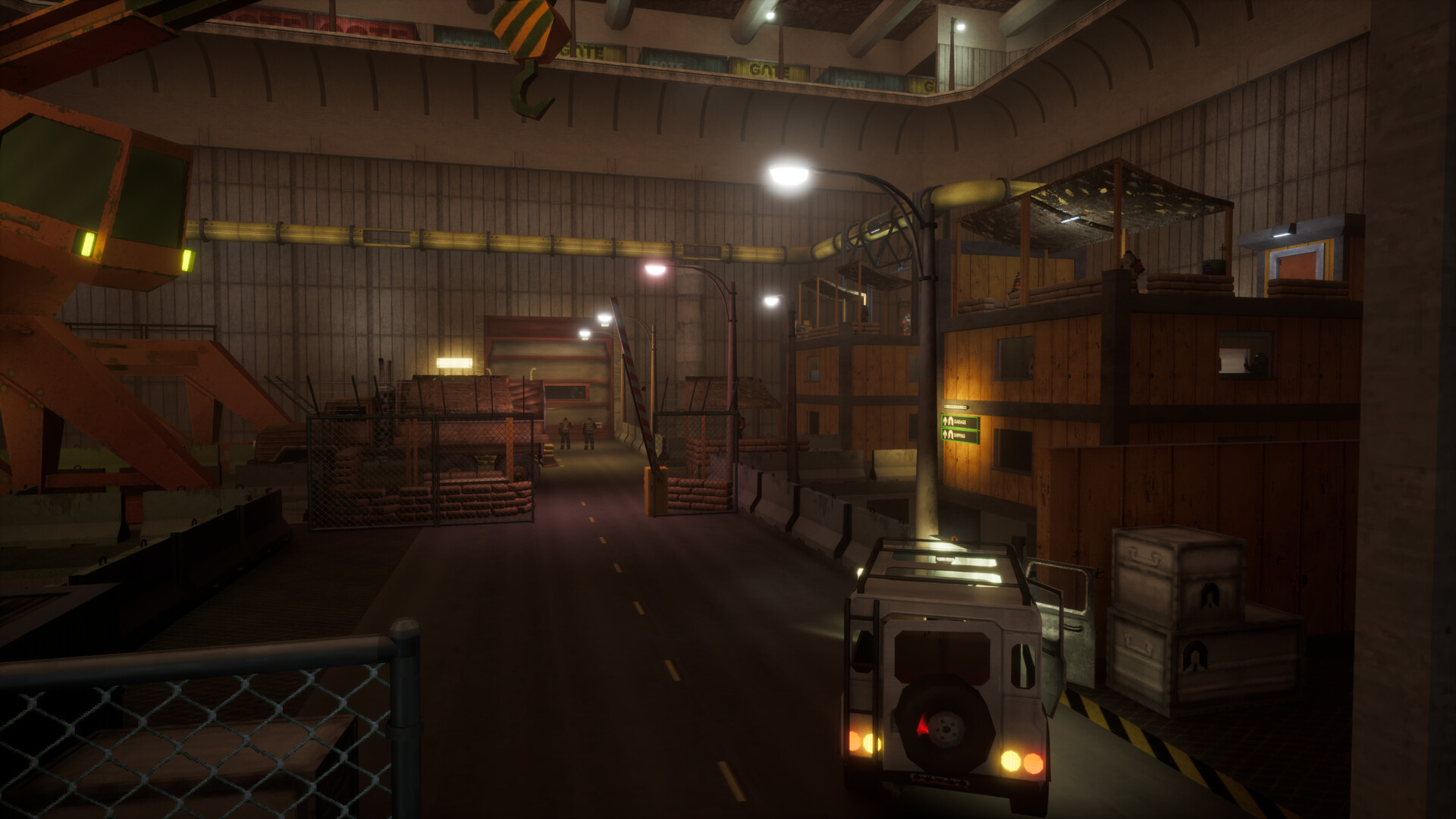
Abiotic Factor Server Hosting

Keep the research facility open for your whole team, with shared progression, sandbox rules and a password for your next expedition.

  • SFTP Access & Browser File Editing
  • The Konnect Hosting Game Panel
  • No hosting-imposed player-slot caps
Starting at $13.99/mo3-day money-back guarantee

You pay for dedicated hardware resources, never artificial player-slot limits.

4.4Trusted by Communities

Choose your Abiotic Factor server plan

Starter

6+Players (est.)

Suggested starting point; player figures are estimates and depend on your world and content.

Dallas, United States Helsinki, Finland · Coming soon

Expanded

6+Players (est.)

Suggested starting point; player figures are estimates and depend on your world and content.

Dallas, United States Helsinki, Finland · Coming soon

Included withevery plan

  • NVMe storage
  • DDoS protection
  • Browser console
  • File manager & SFTP
  • Backups
  • Scheduled tasks
  • Team permissions
  • Resource-based plans
Abiotic Factor world and gameplay
Your Abiotic Factor server

A facility your team can return to

Give your research team one facility to return to. Agree on sandbox rules such as resource respawns before a long campaign, so scavenging and crafting progress at the pace your group enjoys.
Explore the plans →
Built around your server

Configure Abiotic Factor from your browser

Settings for Abiotic Factor

Settings you can change

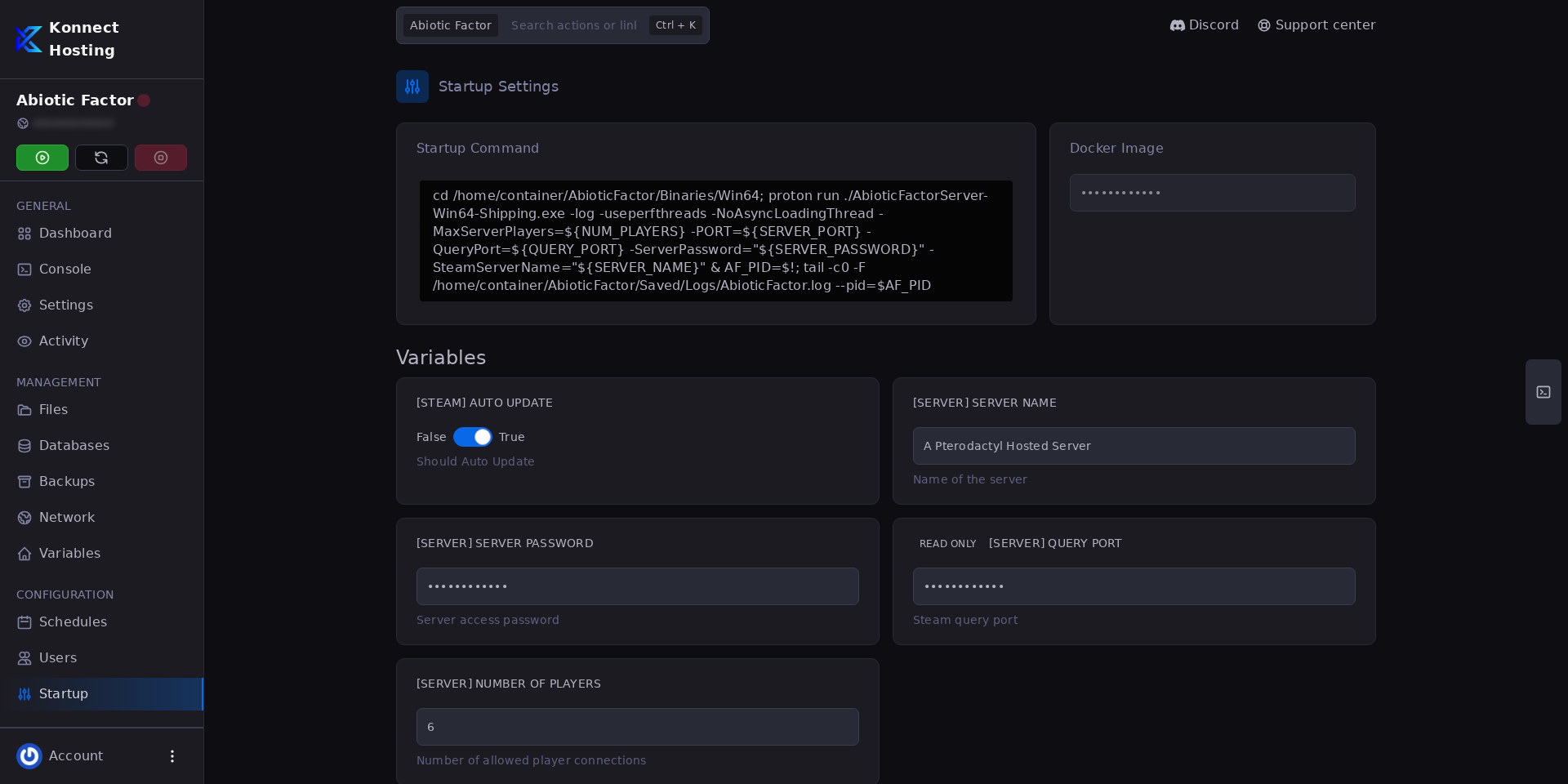
Change these controls in Startup, then restart the game server to apply them.

  • Server Name: The name players see when looking for the session. Use a distinctive name so it is easy to distinguish from other servers. Up to 64 characters.
  • Server Password: The password for players joining the game. Do not reuse your panel account password. Up to 30 characters.
  • Number of Players: Controls how many players the game accepts at once. This is a game setting; the hosting plan’s player estimate is a sizing suggestion. Allowed range: 1–32.
Abiotic Factor server settings: Startup and configuration →
Abiotic Factor server settings in the Konnect Hosting customer panel
Actual Abiotic Factor setup controls. Sensitive values are hidden.
A closer look at the panel

See the tools before you start

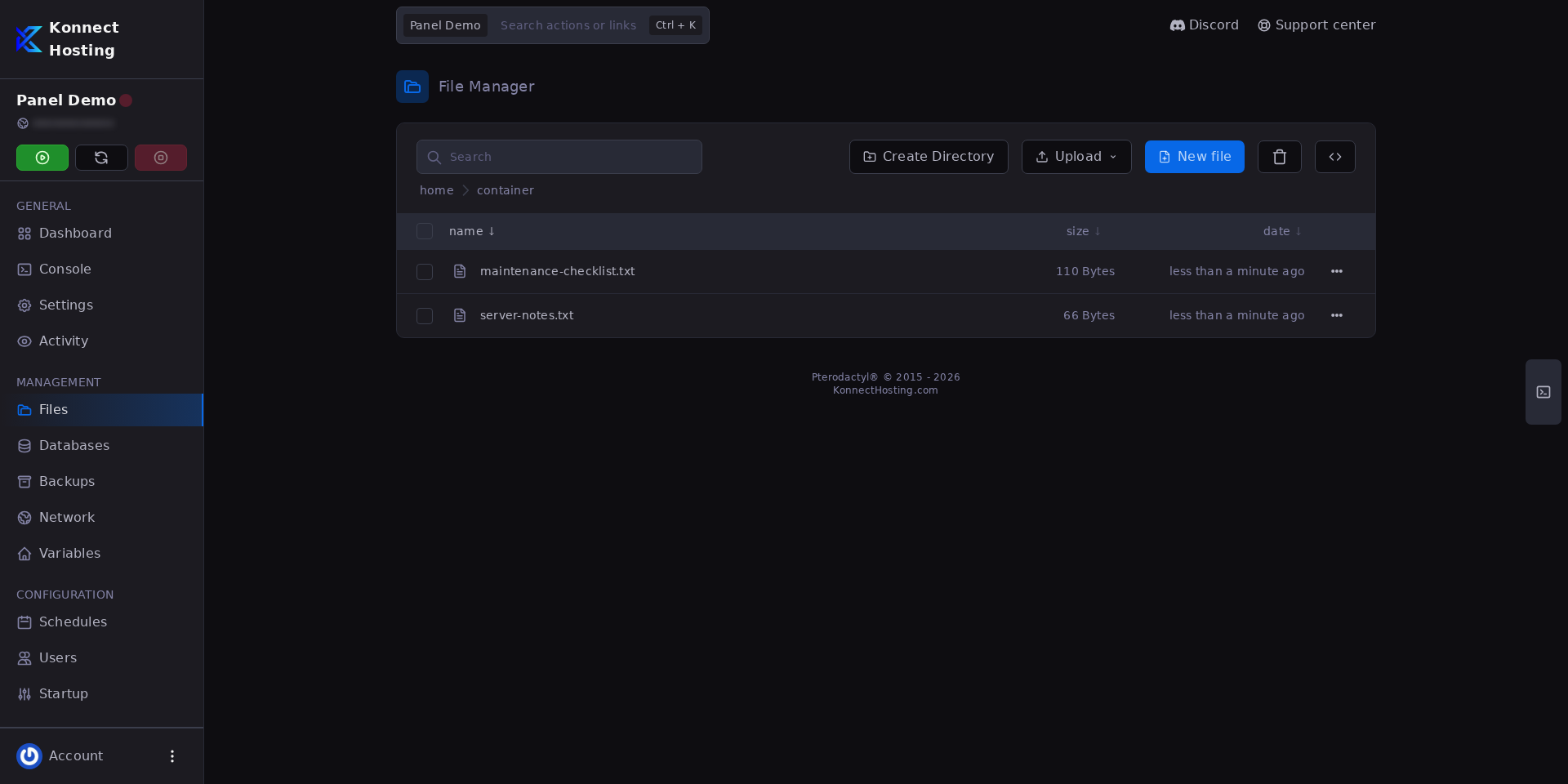
Preview the customer panel for server files, backups, schedules and team access.

Included server tools

Tools for running your server

Browser file manager

Browse, upload and edit your server files without leaving the panel.

Server backups

Keep a recoverable copy before changes. Retention and storage follow your selected backup allowance.

Scheduled tasks

Arrange supported server commands, power actions and backups around your community’s routine.

Team permissions

Give trusted teammates their own access and choose which server tools they can use.

Web console

Follow startup output, review errors and send commands supported by the game.

Live resource usage

Watch memory, CPU and storage use to understand what your server needs.

Plan your server

Before your first Abiotic Factor session

Sandbox rules for the active facility

Sandbox rules belong to the selected world, not the general server name field. For the default Cascade world, the file is AbioticFactor/Saved/SaveGames/Server/Worlds/Cascade/SandboxSettings.ini. Editing another world’s copy will not change the session your friends join.

Joining your Abiotic Factor server

Find the server by the Server Name shown in Startup and enter its Server Password. The game connection and Steam query allocation have different jobs: a query reply only shows that the browser can see the server, not that the game has finished loading the facility.

What to check if something goes wrong

The first useful error is usually in AbioticFactor/Saved/Logs/AbioticFactor.log. Check whether the facility finishes loading before retrying. A password rejection needs a password check; an immediate disconnect after an update needs matching game builds.

Choose a location for your players

Dallas is available for new orders, subject to capacity. Helsinki is coming soon. Compare the facilities and choose an available region at checkout.

Abiotic Factor server hosting FAQs

How much does Abiotic Factor server hosting cost?

The plans above show the current monthly price, RAM and storage. Selected upgrades and billing period are included in your checkout total.

What happens after I order?

After confirmed payment, installation starts automatically. Your service page shows progress and panel access. Complete any game-specific token or file requirements listed above before inviting players.

Do the plans impose a player-slot limit?

We charge for server resources rather than player slots. The game's own limits still apply; the player counts on plans are estimates, not measured guarantees.

Does Abiotic Factor need an account, token or additional files?

This configuration does not ask you for a personal Steam username or password at checkout. Players still need a compatible copy of the game and any required client mods.

Where are your Abiotic Factor servers located?

New orders use Dallas, Texas when capacity is available. Helsinki is coming soon. A game's region or browser label does not move the server to a different datacenter.

Choose your Abiotic Factor server

Compare server plans